Table Of Content
Table Of Content
CommercialAV #DisplayInstallation #ConnectiHow a 360° Rotating HDMI Cable Helps Solve Tight-Space Installation Problems
In Pro AV installations, a cable can work perfectly during testing and still become a problem on site.
That may sound strange, but many installers know exactly what it means. The signal is fine. The specification is fine. The connector fits. But once the display is mounted, the cabinet is closed, or the device is placed against the wall, the installation becomes difficult.
One of our customers recently faced this situation during a wall-mounted display installation.
The problem was not the HDMI signal. The problem was space.
When the HDMI port is too close to the wall
In this project, the HDMI port was positioned very close to the wall. The space behind the screen was extremely limited. With a standard HDMI cable, the connector direction was fixed, so the cable had to bend sharply immediately after plugging in.
At first, this may look like a small installation inconvenience. But sharp bending near the connector can create several long-term risks.
It can put stress on the HDMI port. It can make the connector easier to loosen over time. It can create pressure on the cable jacket and internal structure. It can also make troubleshooting harder if the display later shows flickering, black screen, or unstable signal behavior.
For installers, the issue is even more practical: the cable is simply difficult to route cleanly. Behind a wall-mounted display, inside a narrow equipment cabinet, or around a fixed bracket, every millimeter matters.
Why connector direction matters
Many cable discussions focus on bandwidth, resolution, material, and price. Those are important, but connector direction is also a real installation factor.
A fixed-direction connector gives the installer only one routing path. If the port position does not match the cable direction, the cable has to bend, twist, or press against the wall or device housing.
That is why a cable that looks perfectly acceptable before installation can create problems once the system is built.
The 360° Rotating HDMI Cable solution
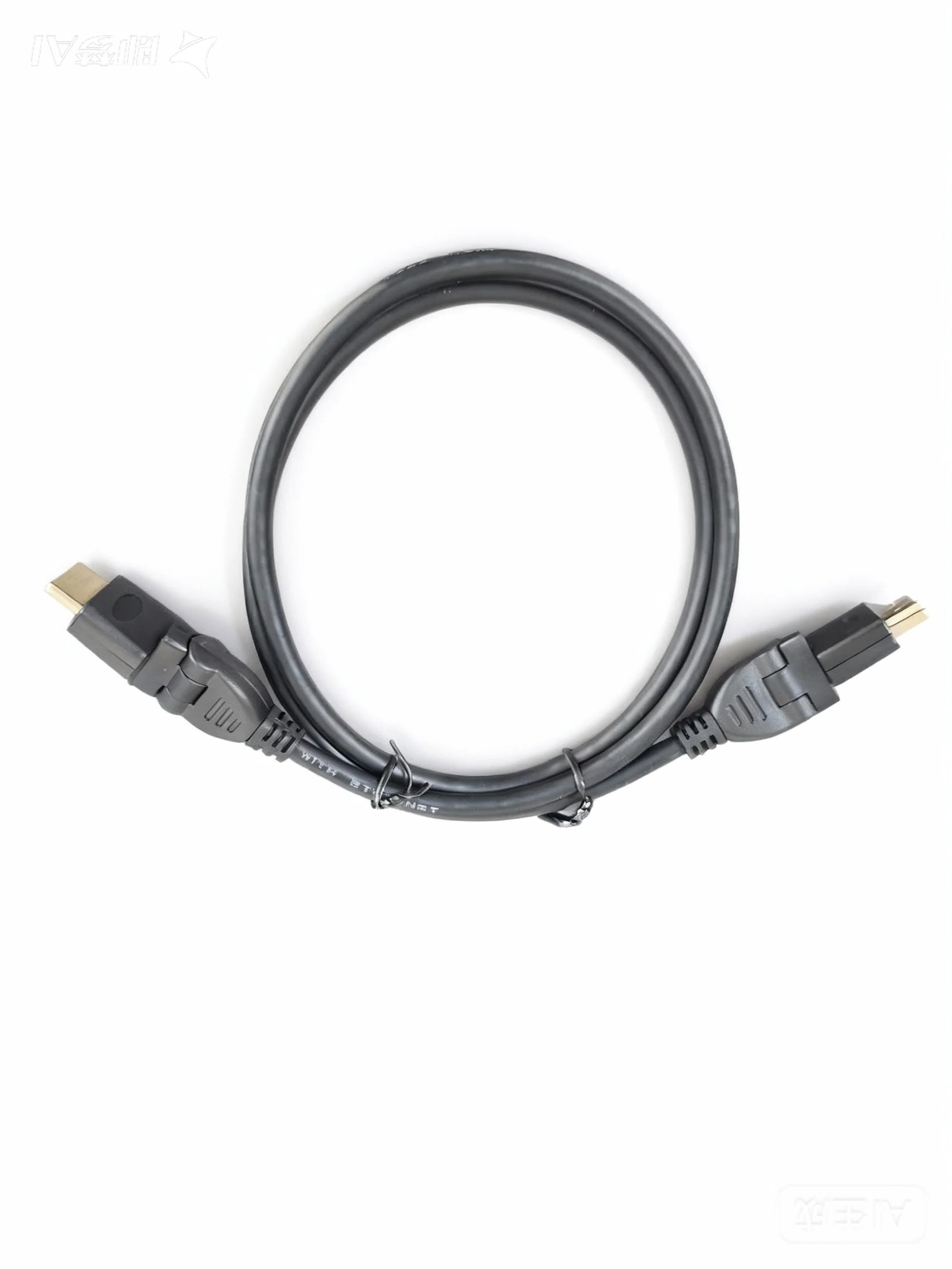
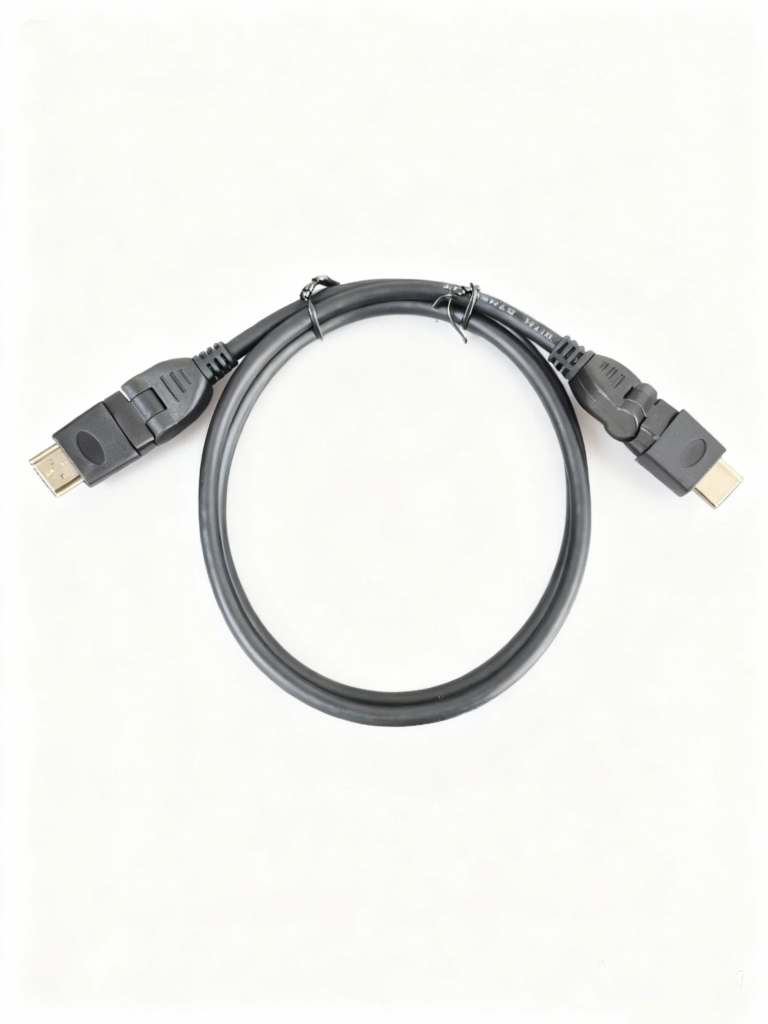
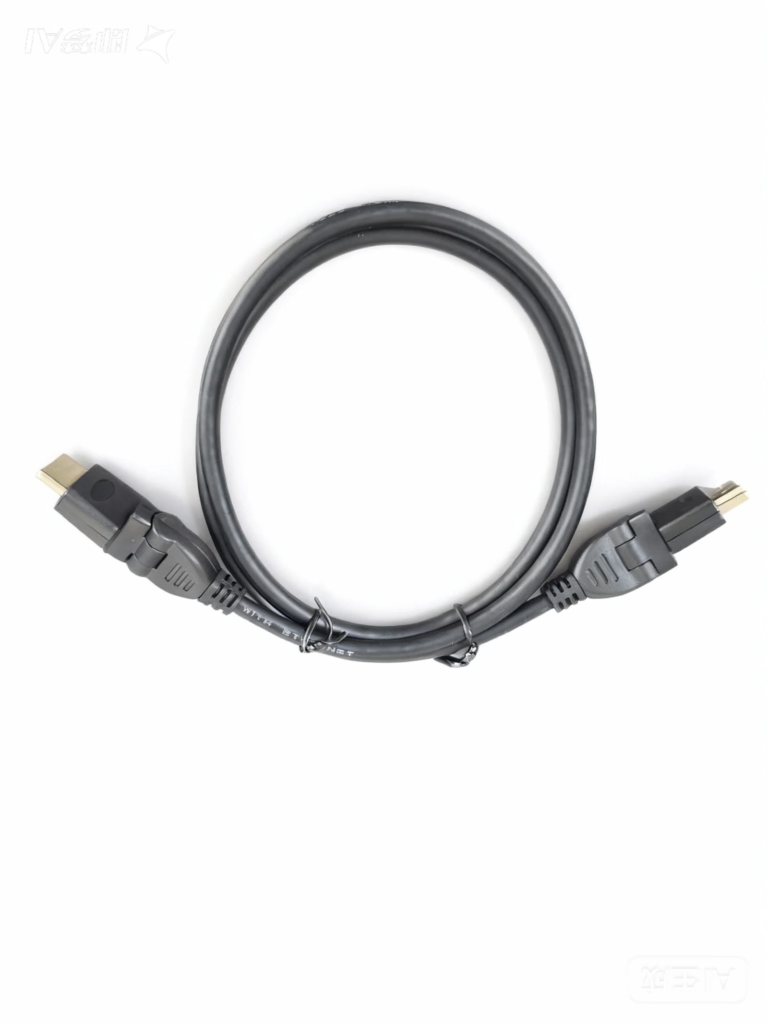
To solve the customer’s problem, STAR FIRE TECH recommended a 360° Rotating HDMI Cable.
The key value is simple: the connector can rotate so the cable direction can be adjusted based on the real installation space. Instead of forcing the cable to bend sharply, the installer can route it in a cleaner and more natural direction.
This helps reduce stress on the HDMI port, improve cable management, and make the installation look cleaner. It also gives installers more flexibility when working behind displays, inside cabinets, or in other tight spaces.
Where this cable is especially useful
A 360° Rotating HDMI Cable can be useful in many Pro AV and commercial installation environments, including wall-mounted displays, meeting rooms, digital signage systems, video walls, education AV, hotel displays, medical carts, equipment cabinets, and compact AV racks.
These are the types of installations where the cable pathway is often decided by the physical environment, not by the installer’s preference.
In these cases, flexibility is not only about convenience. It can help reduce installation time, protect the port, and lower the risk of service issues after the project is completed.
A small cable detail can protect the whole project
This case is a good reminder for AV buyers and system integrators: cable selection should not only be based on signal performance. Mechanical design also matters.
A cable needs to fit the real installation environment. It needs to work behind the display, inside the rack, around the bracket, and under the pressure of real-world cable routing.
At STAR FIRE TECH, we support Pro AV customers with practical HDMI cable solutions designed for real project challenges, not just laboratory conditions.
Have you faced HDMI installation problems in tight spaces? If so, a rotating connector design may be worth considering for your next project.
For more information, please visit www.starfirecableshubs.com
STAR FIRE TECH — your connectivity solution partner.
#HDMICable #RotatingHDMI #360HDMI #ProAV #AVInstallation #SystemIntegrator #DigitalSignage #MeetingRoomAV #WallMountedDisplay #AVCableManagement #CommercialAV #DisplayInstallation #ConnectivitySolutions #STARFIRETECH