Table Of Content
Table Of Content
Two DisplayPort cables may look identical but support different bandwidths. Choosing the wrong cable can cause display problems, limit performance, and increase customer complaints.
DP80 supports up to 80Gbps raw bandwidth using UHBR20, while DP54 supports up to 54Gbps using UHBR13.5. DP80 is suitable for devices requiring higher link rates. DP54 may be a better choice for UHBR10 or UHBR13.5 devices, especially when cable length and cost matter.
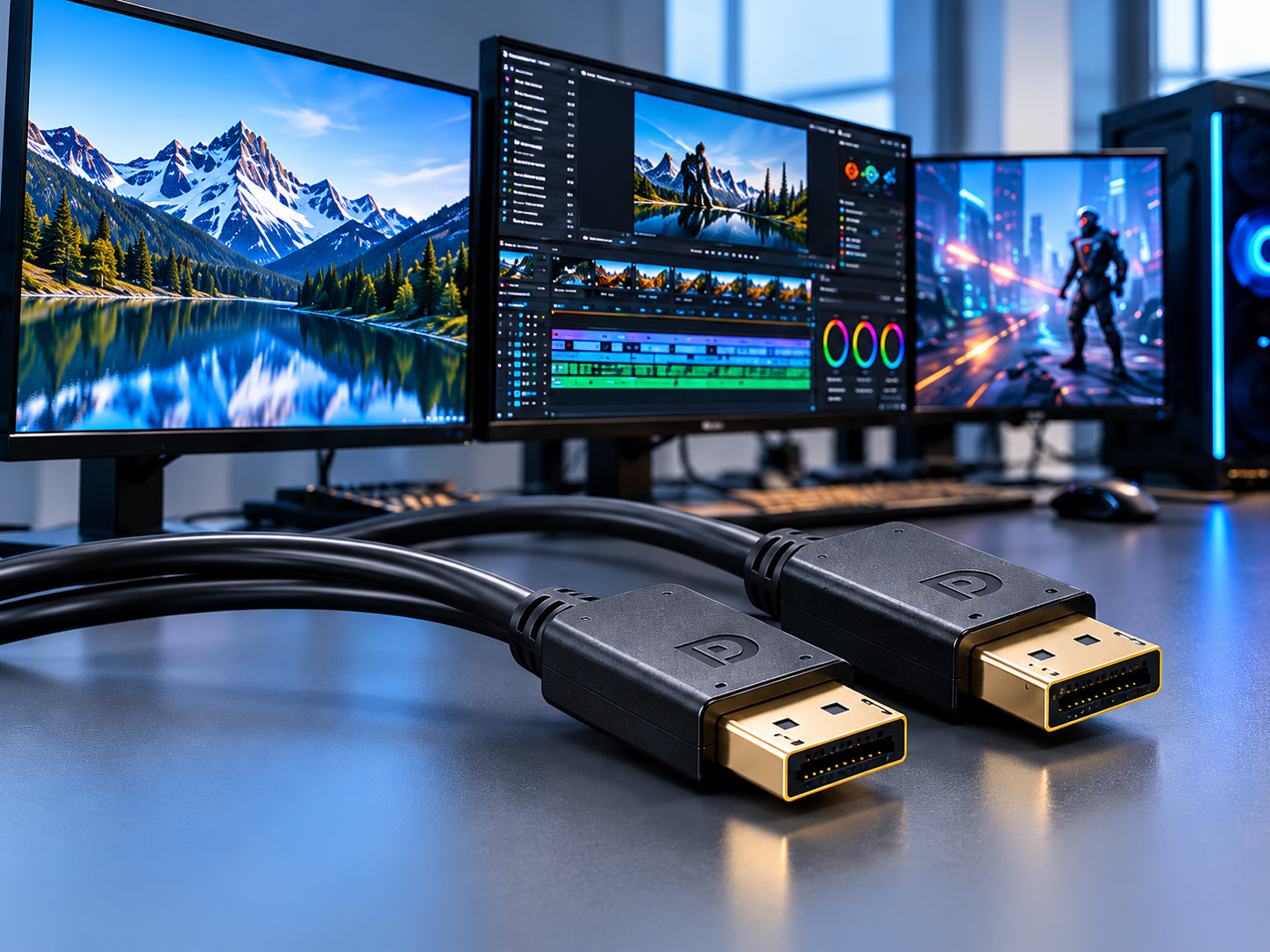
As display technology develops, I see more buyers asking about DisplayPort 2.1 cables, high refresh rates, and transmission bandwidth.
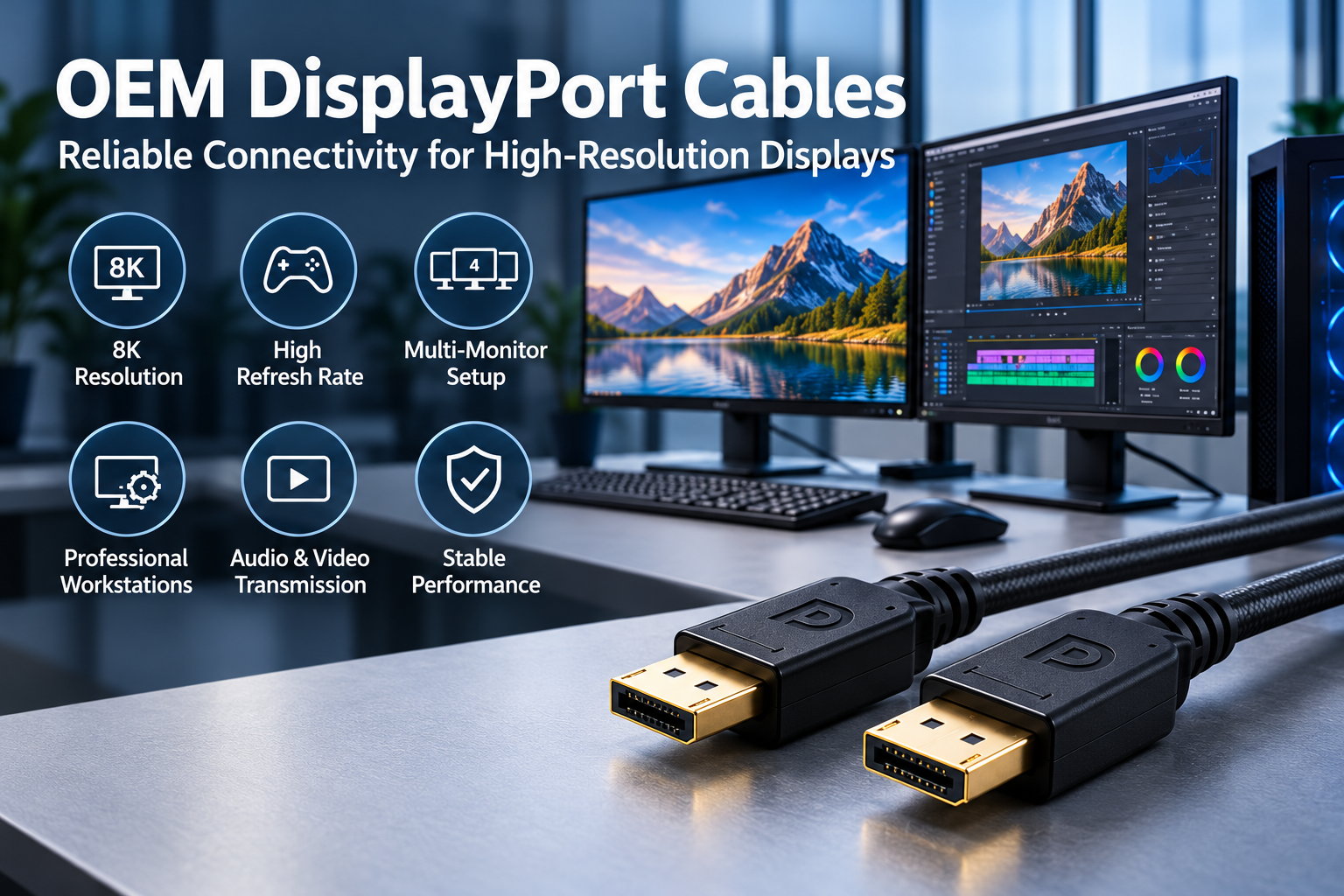
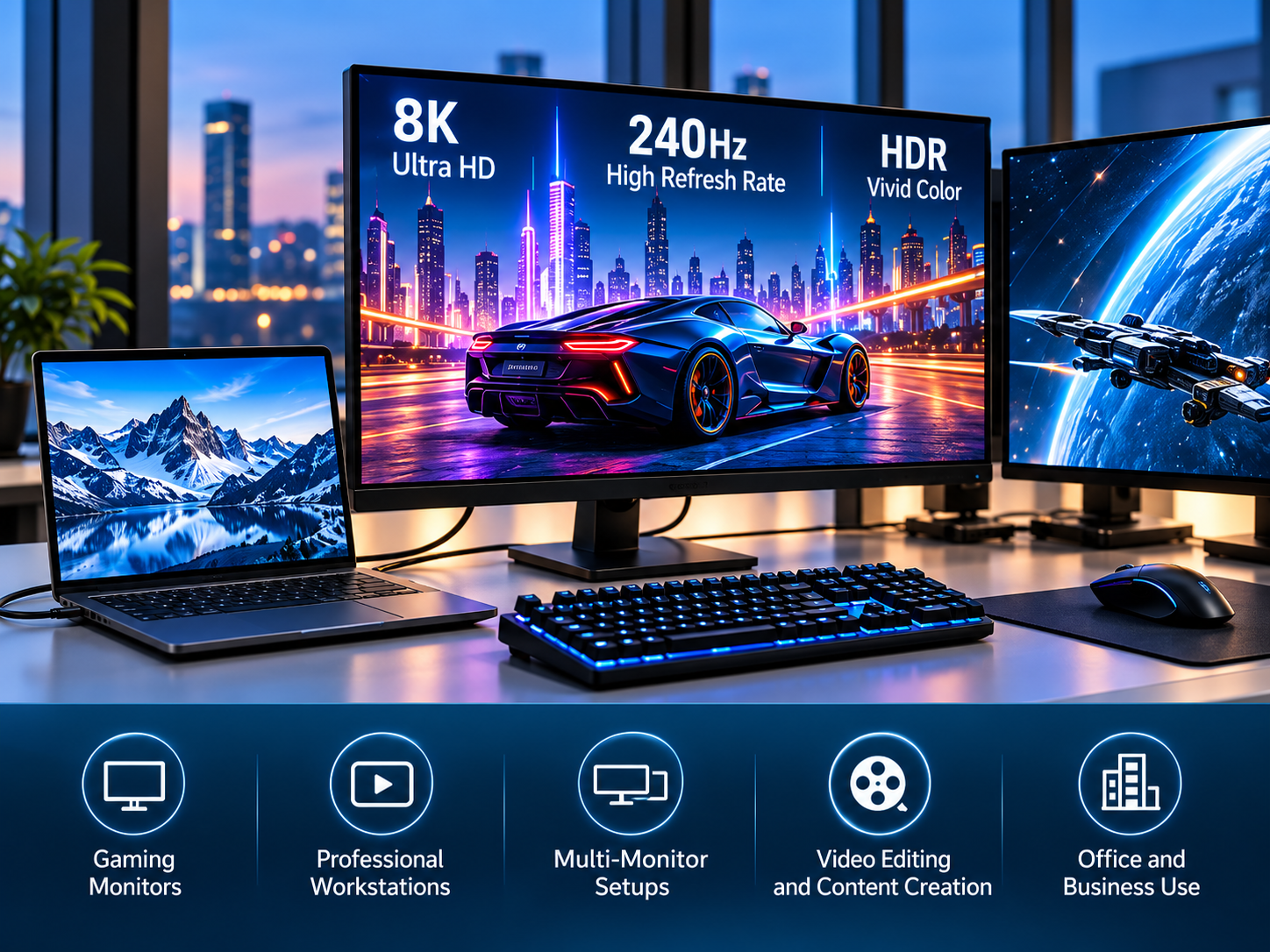
Some customers want cables for 4K gaming monitors. Others need reliable connections for 8K displays, professional workstations, and multi-monitor systems.
However, not every customer needs the highest available DisplayPort bandwidth.
I believe this is an important point for cable distributors and product managers.
A DP80 cable may offer greater bandwidth capability, but that does not mean it is always the best option for every application.
VESA introduced DP54 to support UHBR13.5 connections with more flexibility in passive cable length.
This creates another choice for buyers who want to balance transmission performance, cable length, and product cost.
From my perspective, the key question is not simply which cable has the highest specifications. It is which cable matches the customer's actual equipment and application.
What Is the Difference Between DP80 and DP54 DisplayPort Cables?
DP80 and DP54 cables can look almost identical. However, their certified transmission capabilities differ. Choosing without understanding these differences may lead to unnecessary costs or compatibility concerns.
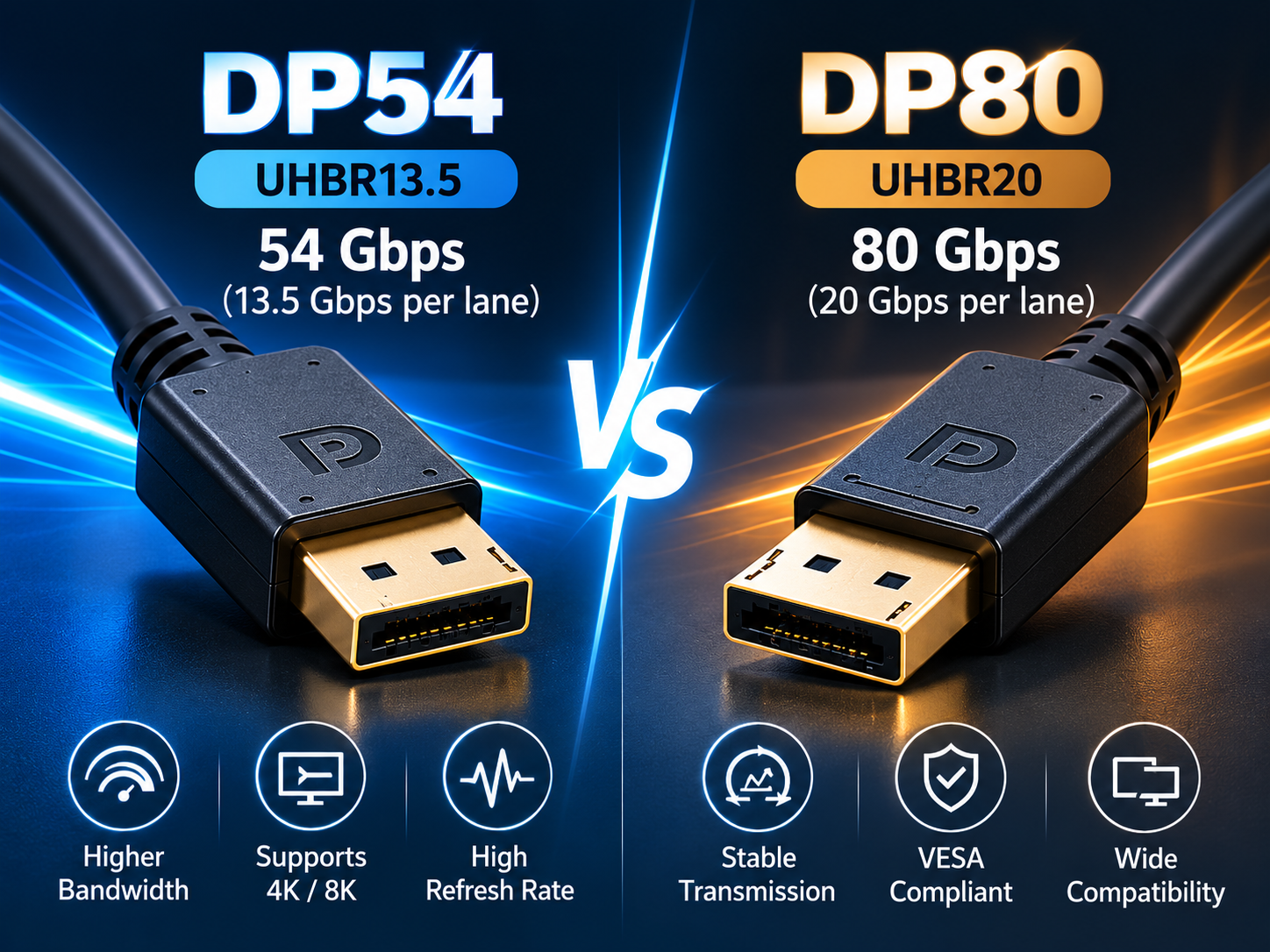
The main difference between DP80 and DP54 is the supported DisplayPort link rate. DP80 supports UHBR20 at 20Gbps per lane, while DP54 supports UHBR13.5 at 13.5Gbps per lane. Both use four lanes, providing maximum raw bandwidths of 80Gbps and 54Gbps, respectively.
How Do DP80 and DP54 Compare in Bandwidth?
When I compare DisplayPort cables, I prefer to start with the actual transmission requirements.
DP80 and DP54 are VESA cable certification categories designed for high-speed DisplayPort connections.
DP80 supports the UHBR20 link rate.
UHBR20 provides 20Gbps per lane. A four-lane connection provides up to 80Gbps of raw bandwidth.
DP54 supports the UHBR13.5 link rate.
UHBR13.5 provides 13.5Gbps per lane. A four-lane connection provides up to 54Gbps of raw bandwidth.
Both categories support lower link rates within their respective capabilities.
The following table shows the main differences.
Feature
DP54 Cable
DP80 Cable
VESA Cable Category
DP54
DP80
Maximum Link Rate
UHBR13.5
UHBR20
Data Rate per Lane
13.5Gbps
20Gbps
Number of Lanes
4
4
Maximum Raw Bandwidth
54Gbps
80Gbps
Lower UHBR Rates
UHBR10
UHBR10 and UHBR13.5
Main Advantage
Suitable bandwidth with flexible cable options
Higher maximum transmission capability
Typical Buyer
Users of UHBR10/UHBR13.5 equipment
Users of UHBR20-capable equipment
I recommend paying attention to the term "raw bandwidth."
The raw bandwidth is not the same as the available video data bandwidth.
DisplayPort transmission uses encoding, and the actual amount of usable video data depends on the link rate and transmission method.
For UHBR transmission, the 128b/132b encoding method reduces the usable bandwidth slightly.
I believe buyers should understand this difference before comparing marketing claims.
Does DP80 Always Perform Better Than DP54?
I often see buyers assume that a higher bandwidth rating always means better image quality.
However, this is not necessarily true.
A cable does not improve the original image quality simply because it supports a higher link rate.
For example, if a graphics card and monitor communicate using UHBR13.5, a suitable DP54 cable can support that required rate.
A DP80 cable may also support the connection, but the devices will not automatically use UHBR20 unless both ends support that link rate.
I believe the better cable is the one that reliably supports the complete system.
Buyers should check the graphics card, monitor, required cable length, and operating conditions.
A VESA-certified DP80 cable offers a higher tested link-rate capability. However, it should not be treated as a guarantee that every connected system will perform better.
Why Did VESA Introduce DP54?
I think the introduction of DP54 shows how DisplayPort cable development is responding to practical installation needs.
In January 2024, VESA announced DisplayPort 2.1a and introduced the DP54 cable specification.
The purpose was to support UHBR13.5 connections over longer passive cable lengths.
VESA described DP54 as enabling UHBR13.5 operation with passive cables up to two meters under the new specification.
This was important because earlier certified UHBR13.5 installations often depended on shorter DP80 cables.
For customers using large gaming monitors or professional workstations, cable length can affect installation flexibility.
I believe the introduction of DP54 gives cable buyers a more targeted option.
Instead of paying for a higher transmission category when it is unnecessary, buyers can choose a cable category that matches the equipment's required link rate.
However, I still recommend verifying the exact certified cable model and length.
VESA certification applies to tested products, not automatically to every cable labeled DP54.
Which Is Better for 4K, 8K, and High Refresh Rate Displays: DP80 or DP54?
A cable may support 4K resolution but fail at a higher refresh rate. Buyers who focus only on resolution labels may overlook the bandwidth their systems require.
DP54 can be suitable for many high-resolution and high-refresh-rate applications using UHBR13.5 or lower link rates. DP80 is required when the connection needs UHBR20. The correct choice depends on resolution, refresh rate, color depth, compression, and the capabilities of both connected devices.
Can DP54 Support 4K and 8K Displays?
I believe resolution labels are one of the most confusing parts of DisplayPort cable marketing.
Some product descriptions focus on 4K, 8K, or even higher resolutions.
However, resolution alone does not determine the required bandwidth.
I recommend checking several factors:
For example, a 4K display operating at 60Hz requires less bandwidth than the same display operating at 240Hz under comparable video settings.
A connection using DSC may also carry a demanding display mode using less bandwidth than an uncompressed connection.
This means DP54 can support some 8K applications when the full system and transmission settings are suitable.
However, not every 8K display mode will operate over UHBR13.5 without compression.
I recommend asking buyers for the complete display specifications before selecting a cable.
When Should Buyers Choose DP80?
I recommend DP80 when the source device and display require UHBR20 transmission.
DP80 supports the maximum four-lane raw bandwidth of 80Gbps defined for UHBR20.
This makes it relevant to demanding display connections where the full UHBR20 link rate is required.
For example, some high-performance monitors and graphics systems may support UHBR20 to deliver demanding combinations of resolution, refresh rate, and color settings.
However, I would not choose DP80 simply because a product description mentions 8K.
The actual link rate matters more than the resolution label.
If a system uses UHBR10 or UHBR13.5, a suitable lower-category cable may already meet its requirements.
I believe DP80 is especially relevant for product managers developing premium DisplayPort accessory lines.
It provides a higher certified bandwidth category for customers whose equipment supports that performance.
When Is DP54 a More Practical Choice?
I believe DP54 deserves more attention from cable distributors.
Not every customer uses a graphics card and monitor that support UHBR20.
For users whose systems operate at UHBR10 or UHBR13.5, DP54 may provide the required transmission capability.
Cable length is another important factor.
VESA introduced DP54 to support longer passive UHBR13.5 connections, with the specification designed for up to two-meter passive cables.
That can be useful for desktop installations with larger monitors or wider workstation layouts.
From a business perspective, I believe offering both DP54 and DP80 can help distributors serve different customer groups.
For example:
Customer Application
What I Recommend Checking
Cable Selection
Standard office monitor
Actual DisplayPort link rate
Choose a suitable certified or verified cable
4K gaming monitor
Resolution, refresh rate, and DSC
DP54 or DP80 if required by link rate
8K professional display
Video format and required bandwidth
Select according to the actual link rate
UHBR13.5 workstation
Device support and cable length
DP54 can be suitable
UHBR20 gaming system
Source and monitor UHBR20 support
DP80
Longer UHBR20 connection
Required length and active cable support
Evaluate certified DP80LL solutions
I do not believe distributors need to replace every lower-bandwidth cable with DP80.
Instead, I recommend building a product range that matches different applications and price levels.
This helps customers choose the right product without paying for bandwidth they may never use.
What Should OEM Buyers Check Before Ordering DP80 or DP54 Cables?
Two suppliers may offer similar-looking DP80 cables at different prices. Without checking testing and certification, buyers may face unexpected quality risks after placing bulk orders.
OEM buyers should verify VESA certification, supported link rates, cable length, signal integrity, connector quality, and production consistency. They should also confirm technical drawings, customization requirements, MOQ, sample testing, and delivery schedules before ordering DP54 or DP80 cables in bulk.
Why Is VESA Certification Important?
When I evaluate high-speed DisplayPort cable specifications, I consider VESA certification an important reference.
At higher transmission rates, maintaining signal integrity becomes more challenging.
Small changes in cable construction, connectors, or manufacturing processes may affect performance.
VESA certification helps buyers identify cable models that have passed relevant compliance testing.
However, I believe buyers should understand that certification applies to specific products.
A manufacturer offering one certified DP80 cable does not automatically mean every cable in its catalog has the same certification.
I recommend requesting the exact certified model number and checking the official DisplayPort product database.
The database includes certified DP54 and DP80 cables from different manufacturers.
Buyers should also verify the cable length and connector configuration covered by the certification.
For private-label projects, I recommend confirming whether the proposed OEM product is covered by the applicable certification records.
I would not rely only on packaging that displays a DisplayPort version or bandwidth claim.
How Can Cable Length Affect DP80 and DP54 Performance?
Cable length is one of the most important considerations in high-speed cable design.
As copper cables become longer, signal attenuation and other transmission challenges can increase.
This becomes especially important at UHBR13.5 and UHBR20 link rates.
The original DP80 passive cable specification was associated with relatively short high-speed connections.
VESA later introduced DP54 to support longer UHBR13.5 passive connections.
In January 2025, VESA also announced work on DP80LL, a new active cable specification intended to support UHBR20 over distances of up to about three meters.
DP80LL uses active linear redriver technology to support signal transmission over longer distances.
I believe this development is important for professional workstation and gaming monitor installations.
However, buyers should not assume that every active DisplayPort cable supports UHBR20.
The actual product must be designed and tested for the required link rate.
I recommend confirming the following details before purchasing:
Buying Requirement
Why I Check It
Cable Length
Helps confirm installation compatibility
Passive or Active Design
Affects transmission and installation requirements
Certified Link Rate
Confirms the tested performance category
Connector Configuration
Ensures compatibility with equipment
Shielding and Cable Construction
Supports signal performance
Test Reports
Provides evidence of evaluated performance
I also recommend testing the exact cable length that customers intend to use.
How Should OEM Buyers Evaluate Manufacturer Quality?
I believe the quality of a high-speed DisplayPort cable depends on both engineering design and manufacturing consistency.
A supplier may provide an excellent sample.
However, the real challenge is producing hundreds or thousands of cables with stable performance.
For DP54 and DP80 products, I recommend reviewing the manufacturer's quality control procedures and test equipment.
Useful evaluations may include:
I recommend confirming the actual test plan for each cable model.
Not every test is necessary for every project, and different link rates may require different verification methods.
At STAR FIRE TECH, we have provided connectivity solutions since 2006.
Our business covers Professional Audio Visual, Optical Fiber Communication, Structured Cabling, and Industrial Communication.
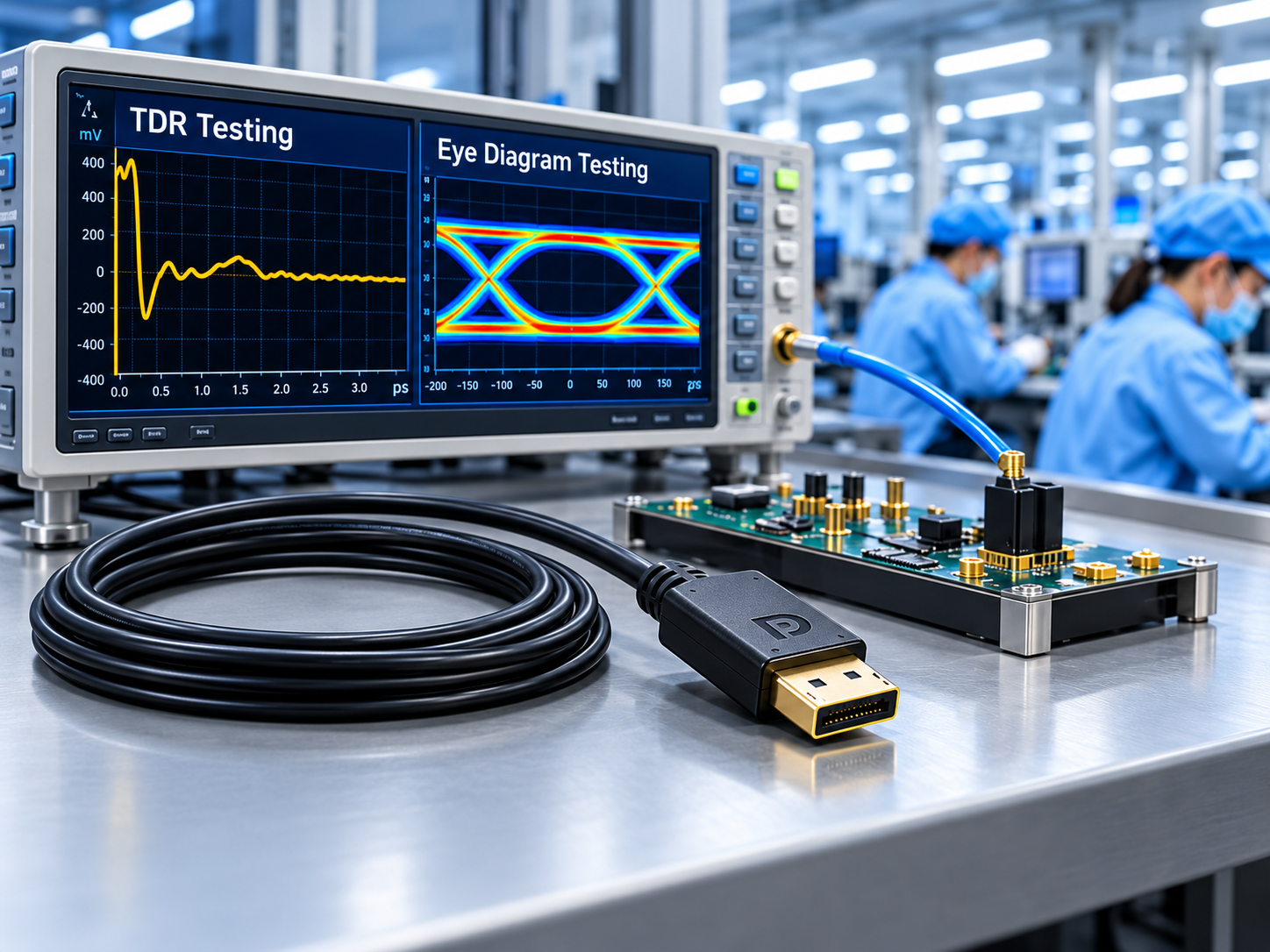
Our quality management capabilities include TDR testing and quality inspections during different manufacturing stages.
For DisplayPort projects, I recommend sharing the required link rate, cable length, connector design, and application details with our team.
We can review the project requirements and discuss suitable cable solutions, available testing, and OEM/ODM customization options.
I believe a reliable manufacturing partner should provide more than a competitive quotation.
The supplier should understand the application, explain technical limitations, and help buyers reduce product development risks.
What Should Distributors Consider When Building a DP54 and DP80 Product Line?
I think distributors should approach DP54 and DP80 as two product categories serving different customer needs.
DP54 may be suitable for customers using UHBR10 or UHBR13.5 equipment.
DP80 is relevant for customers who need UHBR20 transmission.
I recommend evaluating customer demand before deciding how many models to introduce.
A distributor could begin by identifying its main target markets.
For example, gaming accessory brands may focus on high-refresh-rate monitors.
Professional AV distributors may prioritize reliable display connections and practical installation lengths.
Computer accessory brands may require several cable lengths, connector housing designs, and retail packaging options.
I recommend reviewing these commercial factors before placing an OEM order:
OEM Requirement
What I Recommend Confirming
Product Category
DP54, DP80, or another required specification
Cable Length
Available and verified lengths
Certification
Exact VESA-certified model where applicable
Connector Housing
Molded or metal housing options
Cable Jacket
PVC, braided, or other specified designs
OEM Branding
Customer logo and labeling requirements
Packaging
PE bags, retail boxes, or custom packaging
MOQ
Minimum order quantity per SKU
Production Lead Time
Material preparation and manufacturing schedule
Quality Requirements
Approved samples and inspection plan
I believe a well-planned product line should not focus only on the highest specifications.
It should give customers clear choices based on their actual equipment and installation requirements.
For brands and distributors seeking OEM DisplayPort cable solutions, I welcome the opportunity to discuss product specifications, customization needs, and sample evaluation.
Learn more: https://www.starfirecableshubs.com
Conclusion
I believe DP80 suits UHBR20 applications, while DP54 meets UHBR13.5 requirements. Buyers should verify device compatibility, certification, cable length, and manufacturing quality before ordering.