Table Of Content
Table Of Content
Choosing OEM DisplayPort cables based only on price can be risky. Poor cable quality can cause screen flickering, signal loss, customer complaints, and costly returns.
Before ordering OEM DisplayPort cables, buyers should check bandwidth, resolution, refresh rate, cable length, connector design, VESA certification, and signal integrity. They should also evaluate manufacturing quality, OEM customization, minimum order quantities, testing capabilities, and production lead times to reduce purchasing risks.
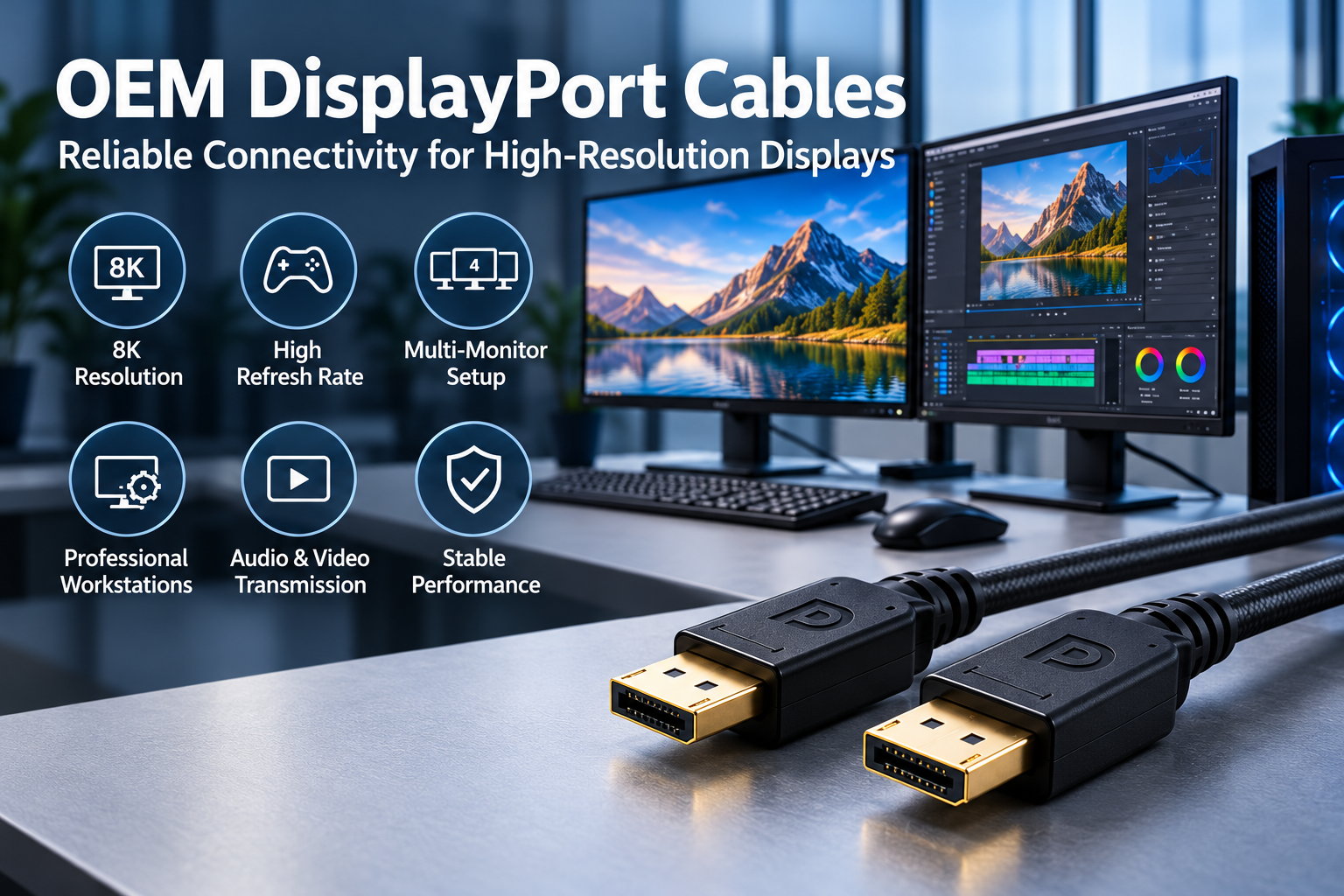
For cable brands, distributors, and product managers, choosing the right DisplayPort cable is not always simple.
A cable may work perfectly with one monitor but fail when connected to another display with higher bandwidth requirements.
A customer may purchase a DisplayPort cable advertised for high-resolution video, only to experience a black screen or limited refresh rate.
These problems can lead to product returns, negative reviews, and additional support costs.
I believe OEM buyers should look beyond product appearance and marketing claims.
As demand grows for high-resolution displays, gaming monitors, professional workstations, and multi-monitor setups, cable performance becomes more important.
From my perspective, successful OEM sourcing depends on three main factors: choosing the correct specifications, verifying product quality, and selecting a manufacturer that can deliver consistent results.
What DisplayPort Specifications Should OEM Buyers Check Before Ordering?
Two DisplayPort cables may look identical but support different transmission rates. Choosing the wrong specification can lead to display problems, returns, and unhappy customers.
OEM buyers should check DisplayPort link rates, supported resolutions, refresh rates, connector types, cable lengths, and applicable VESA certifications. They should confirm that the cable meets the requirements of the target devices and test each intended cable configuration before mass production.
Why Do DisplayPort Versions and Bandwidth Matter?
When I evaluate DisplayPort cable requirements, I first consider the intended application.
A standard office monitor may not need the same transmission performance as a high-refresh-rate gaming monitor.
For example, a customer using a 4K monitor at 60Hz has different bandwidth needs from someone using a 4K monitor at 240Hz.
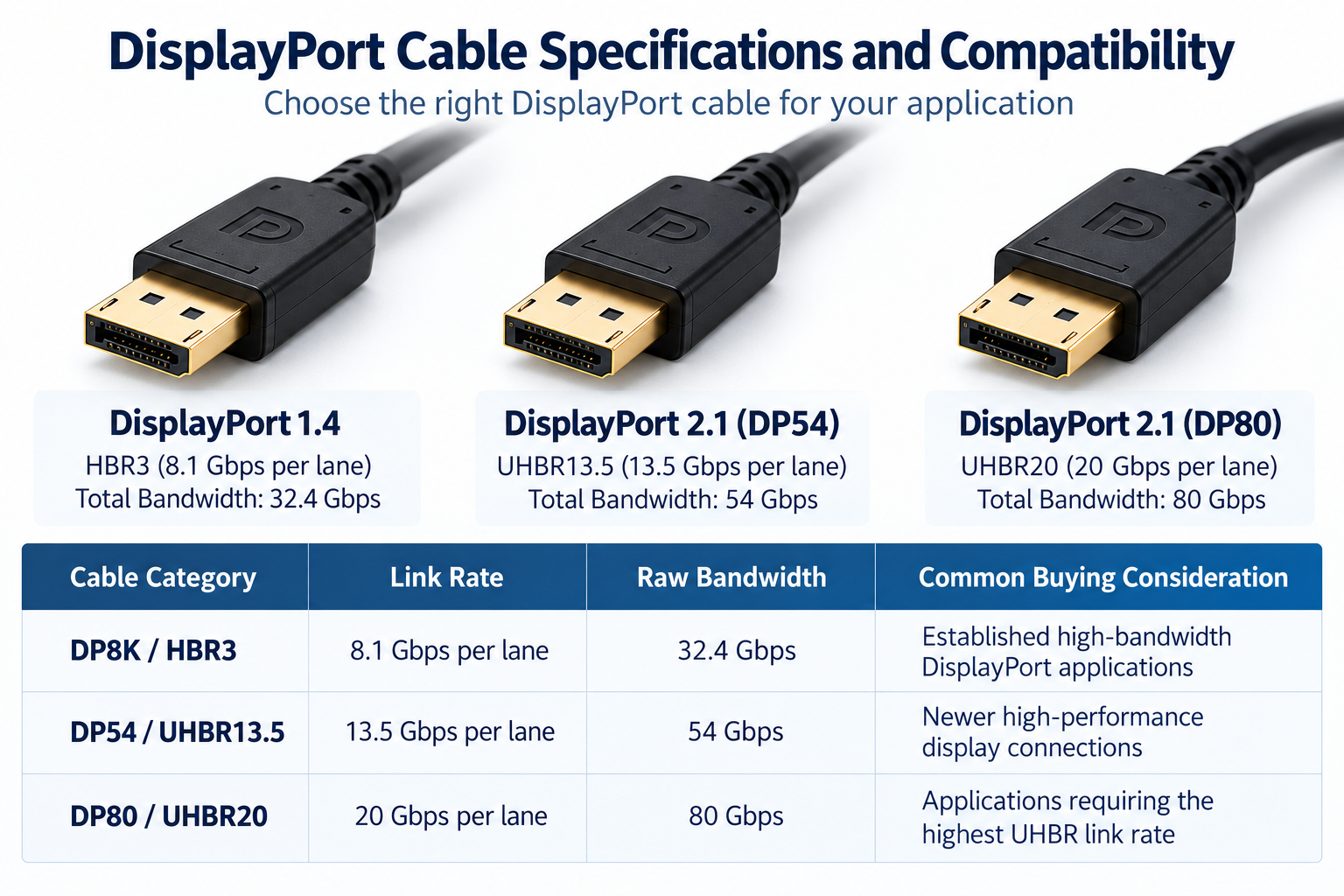
DisplayPort 1.4 and DisplayPort 2.1 are common terms in the cable market.
However, I do not recommend choosing a cable based only on its advertised version.
A DisplayPort version describes interface capabilities, but it does not automatically confirm the maximum transmission rate of a particular cable.
VESA provides certified cable categories to help buyers identify tested performance.
Cable Category
Link Rate
Raw Bandwidth
Common Buying Consideration
DP8K / HBR3
8.1 Gbps per lane
32.4 Gbps
Established high-bandwidth DisplayPort applications
DP54 / UHBR13.5
13.5 Gbps per lane
54 Gbps
Newer high-performance display connections
DP80 / UHBR20
20 Gbps per lane
80 Gbps
Applications requiring the highest UHBR link rate
These values represent total raw bandwidth across four lanes. Actual usable video bandwidth is lower because of transmission encoding.
I recommend checking the required link rate and certified cable category before confirming an OEM design.
Buyers should also verify certification claims through the official VESA DisplayPort product database.
How Do Resolution and Refresh Rate Affect Cable Selection?
I often see DisplayPort cables promoted with labels such as "4K," "8K," or "High Refresh Rate."
These descriptions may attract attention, but they do not provide enough information for professional procurement.
The bandwidth required for video transmission depends on several factors.
These include resolution, refresh rate, color depth, video timing, and whether Display Stream Compression (DSC) is used.
For example, two monitors may both support 4K resolution.
However, one may operate at 60Hz while the other operates at 144Hz or higher.
Their bandwidth requirements can be very different.
The source device and monitor must also support the selected display mode.
A cable cannot create a higher refresh rate if the graphics card or monitor does not support it.
I recommend asking customers which devices they intend to connect.
This information helps manufacturers select suitable cable constructions and testing conditions.
Why Should OEM Buyers Confirm Cable Length?
Cable length can affect signal integrity, especially at high transmission rates.
As copper cables become longer, signal attenuation becomes harder to control.
A cable that performs well at one meter may not deliver identical results at three meters.
I believe buyers should confirm the transmission performance of every required cable length.
For example, an OEM distributor may want to sell one-meter, two-meter, and three-meter DisplayPort cables under the same product series.
Each length should be evaluated against its intended performance requirements.
For longer installation distances, active copper or Active Optical DisplayPort cables may be worth considering.
However, active cables can have additional compatibility or directional connection requirements.
I recommend measuring the actual installation route rather than choosing cable length based only on the distance between devices.
How Can OEM Buyers Verify DisplayPort Cable Quality and Reliability?
A DisplayPort cable may pass basic testing but fail in demanding applications. Without proper quality control, small manufacturing differences can create serious customer problems.
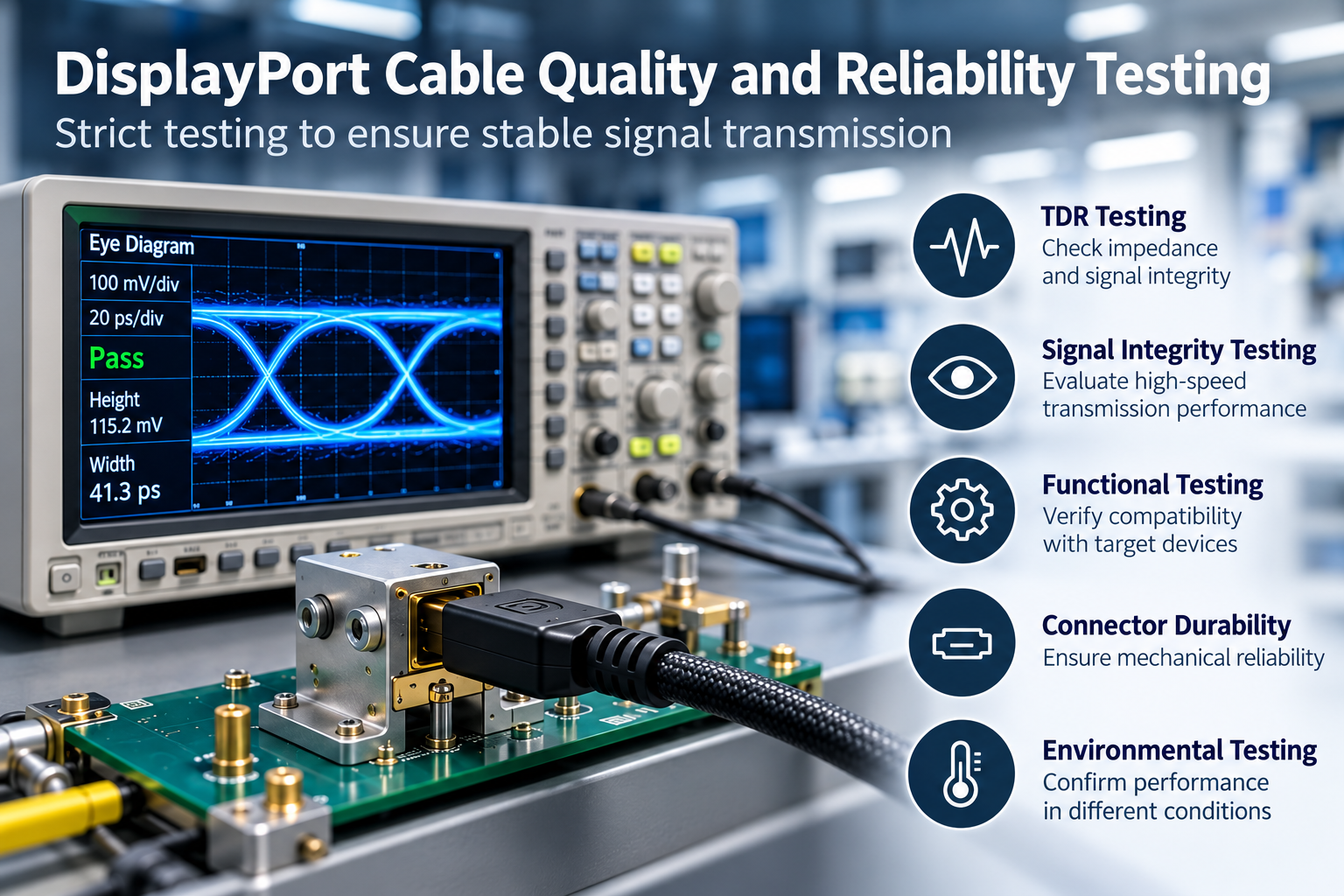
OEM buyers should verify DisplayPort cable quality through signal integrity testing, functional testing, connector inspection, and production quality control. They should request relevant test reports, confirm test conditions, and ensure that approved samples match the final production specifications.
Why Is Signal Integrity Important for DisplayPort Cables?
I believe signal integrity is one of the most important factors in high-speed cable performance.
A DisplayPort cable must transmit digital signals between a source device and a display.
When signal quality is poor, users may experience screen flickering, black screens, connection failures, or unstable display operation.
Several technical factors can affect transmission performance.
Quality Factor
Why It Matters
Impedance consistency
Helps maintain stable high-speed signals
Insertion loss
Affects signal strength during transmission
Crosstalk
Can interfere with nearby signal pairs
Shielding
Helps reduce external electromagnetic interference
Connector quality
Affects electrical contact and mechanical reliability
Cable length
Influences attenuation and high-speed performance
I recommend reviewing these factors during cable development and sample evaluation.
For example, a cable may function correctly at a lower refresh rate but develop problems when the connected devices use a higher link rate.
However, I would not assume that every display problem is caused by the cable.
Graphics card drivers, monitor settings, firmware, and compatibility can also affect performance.
That is why I prefer evaluating the complete connection instead of relying only on a simple display test.
What Tests Should a DisplayPort Cable Manufacturer Perform?
When reviewing a potential cable supplier, I always consider its testing capabilities.
A manufacturer should be able to explain how it verifies the performance of its products.
Different cable designs may require different testing methods.
Some useful evaluations include:
Not every project requires every test.
I recommend defining the testing requirements according to the target application and customer specifications.
For high-performance DisplayPort cables, buyers should also confirm that the supplier uses appropriate test equipment and acceptance criteria.
A test report should identify the tested model, cable length, test conditions, and results.
I believe these details provide more value than a general statement that a cable supports a certain resolution.
Why Does Manufacturing Consistency Matter for OEM Orders?
I think manufacturing consistency is one of the biggest challenges in OEM cable sourcing.
A supplier may provide an excellent sample during the first evaluation.
However, the real test comes when the factory produces hundreds or thousands of cables.
Small changes in conductor materials, connector assembly, shielding, or production methods may affect the finished product.
For brands and distributors, inconsistent quality can create problems across different production batches.
I recommend confirming how the manufacturer controls materials and production processes.
At STAR FIRE TECH, we understand the importance of consistent product quality.
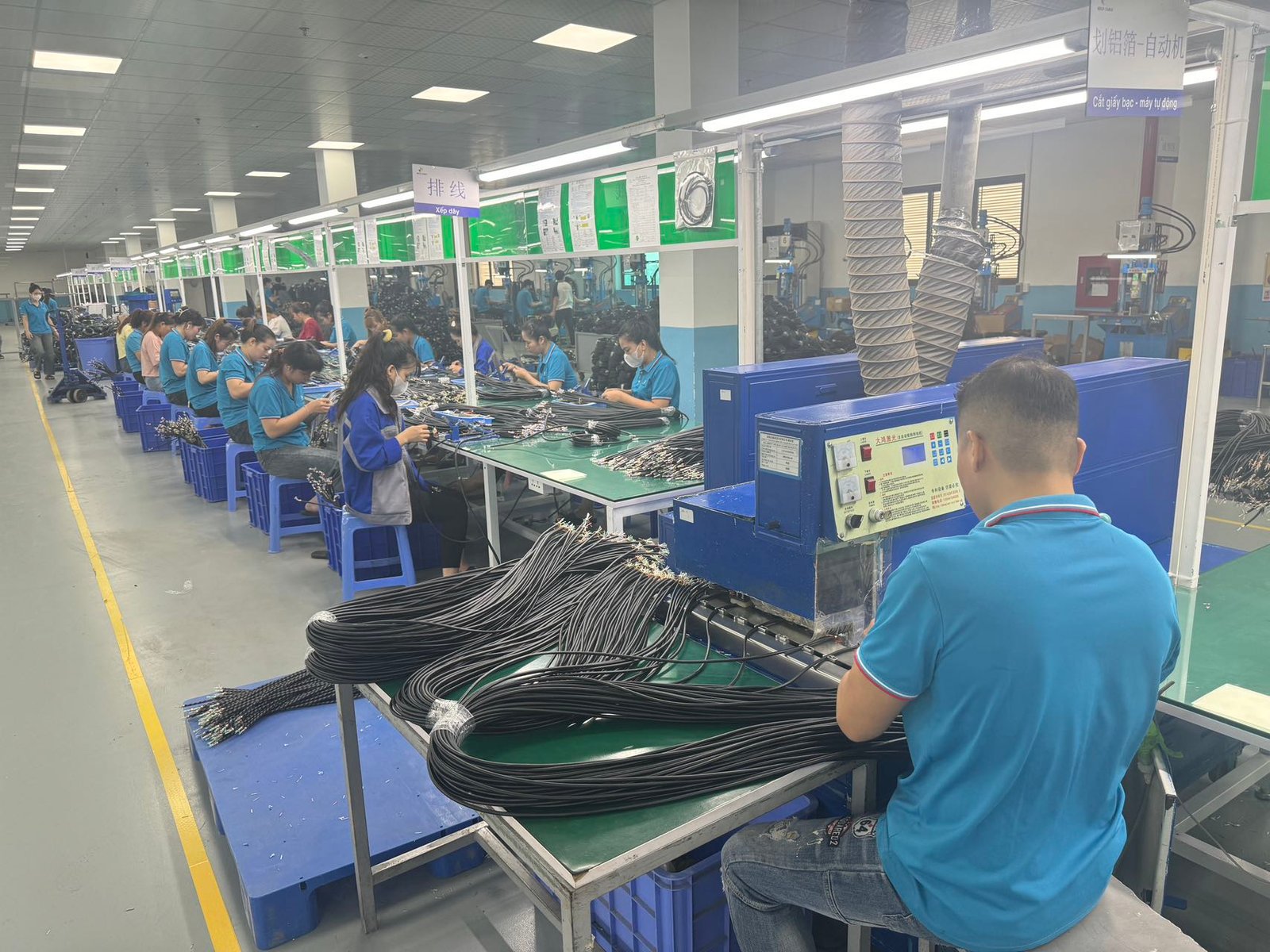
Our quality management procedures include Incoming Quality Control (IQC), In-Process Quality Control (IPQC), and Outgoing Quality Control (OQC).
We also have TDR testing capabilities to support cable performance evaluation.
For DisplayPort projects, I recommend confirming the applicable testing plan and available reports for the selected cable model.
In my view, a reliable supplier should focus on both sample performance and long-term production stability.
What Should Buyers Ask a DisplayPort Cable Manufacturer Before Placing a Bulk Order?
A low unit price may look attractive, but unclear specifications, packaging requirements, and production schedules can increase purchasing risks. Buyers need clear information before ordering.
Before placing bulk OEM DisplayPort cable orders, buyers should confirm customization capabilities, MOQ, sample approval, production lead time, packaging options, quality standards, and commercial terms. Detailed specifications and approved drawings help reduce communication errors and unexpected production costs.
What OEM and ODM Customization Options Should Buyers Confirm?
Different brands have different product requirements.
A gaming accessory brand may prefer premium connector housings and braided cable jackets.
A professional AV distributor may focus on signal stability and available cable lengths.
A computer accessory company may require customized logos, packaging, and product labels.
I believe customization should begin with a clear product specification.
Common OEM and ODM requirements include:
Customization Option
What Buyers Should Confirm
Cable length
Required lengths and verified performance
Connector housing
Molded PVC or metal shell designs
Cable jacket
PVC, braided, or other suitable materials
Cable color
Standard or customized colors
Customer logo
Printing or other branding methods
Packaging
PE bag, retail box, or customized packaging
Labeling
Model numbers, barcodes, and product information
I recommend confirming these requirements before requesting a final quotation.
Some modifications are relatively simple.
Others may require tooling, additional materials, or further engineering work.
For example, a customized connector housing may require a new mold.
A change in cable construction may also require additional electrical performance testing.
I believe buyers should approve drawings and samples before mass production begins.
How Should Buyers Evaluate MOQ, Pricing, and Lead Time?
MOQ is an important consideration for OEM buyers.
A lower unit price may require a larger purchase quantity.
For brands introducing a new product line, this can increase inventory risk.
However, a smaller order may have a higher unit cost because the manufacturer still needs to cover materials, setup, and packaging expenses.
I recommend comparing quotations at different order quantities.
For example, buyers may request pricing for 500, 1,000, and 3,000 pieces per SKU.
These are example quantities for comparison. Actual MOQ depends on the selected product and customization requirements.
I also recommend confirming whether different cable lengths or colors can be combined in one order.
Production lead time is another important factor.
Standard products and customized cables may have different delivery schedules.
New tooling, special materials, and packaging requirements may increase preparation time.
I believe buyers should confirm sample lead time, mass-production lead time, and the expected shipping schedule separately.
This helps both parties avoid misunderstandings and manage delivery expectations.
What Questions Should Buyers Ask Before Choosing a Supplier?
I believe the best supplier is not always the one offering the lowest price.
A reliable manufacturer should understand the customer's technical requirements and provide clear information about production capabilities.
Before choosing a DisplayPort cable manufacturer, I recommend asking the following questions:
These questions help buyers compare suppliers beyond unit price.
I also recommend evaluating the manufacturer's experience with similar applications.
At STAR FIRE TECH, we have provided connectivity solutions since 2006.
Our business covers Professional Audio Visual, Optical Fiber Communication, Structured Cabling, and Industrial Communication.
We support OEM and ODM connectivity projects based on customer requirements.
For DisplayPort cable projects, our team can discuss cable specifications, connector designs, required lengths, packaging customization, and sample evaluation.
I believe good cooperation begins with clear technical communication and realistic production planning.
For OEM buyers, distributors, and cable brands, choosing the right supplier is a long-term decision.
A reliable manufacturing partner should help reduce quality risks, support product development, and maintain consistent supply.
If you are developing a new DisplayPort cable product line or looking for an OEM connectivity manufacturing partner, we welcome the opportunity to discuss your requirements.
Learn more: https://www.starfirecableshubs.com
Conclusion
I believe successful OEM DisplayPort cable sourcing requires verified specifications, reliable testing, consistent manufacturing, and clear commercial terms. These checks help buyers reduce risks and build stronger product lines.