Table Of Content
Table Of Content
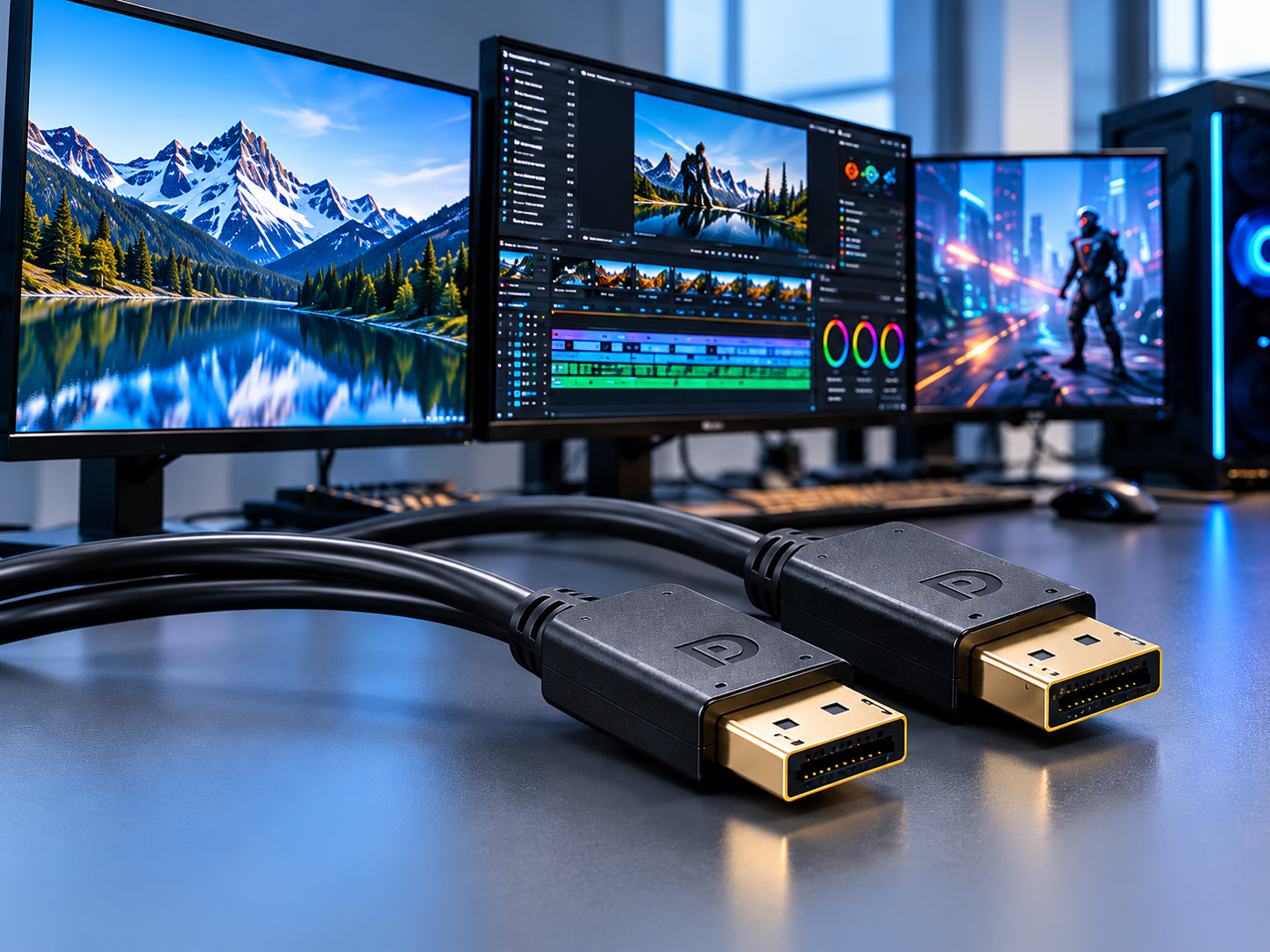
A conference room display works during testing but flickers during an important presentation. Long cable runs, poor compatibility, or improper installation can turn a simple connection into an expensive problem.
To choose the best HDMI AOC cable for a conference room, evaluate transmission distance, required resolution, bandwidth, device compatibility, installation conditions, and cable quality. A properly selected Active Optical Cable can provide reliable long-distance HDMI transmission while reducing signal loss and installation challenges.
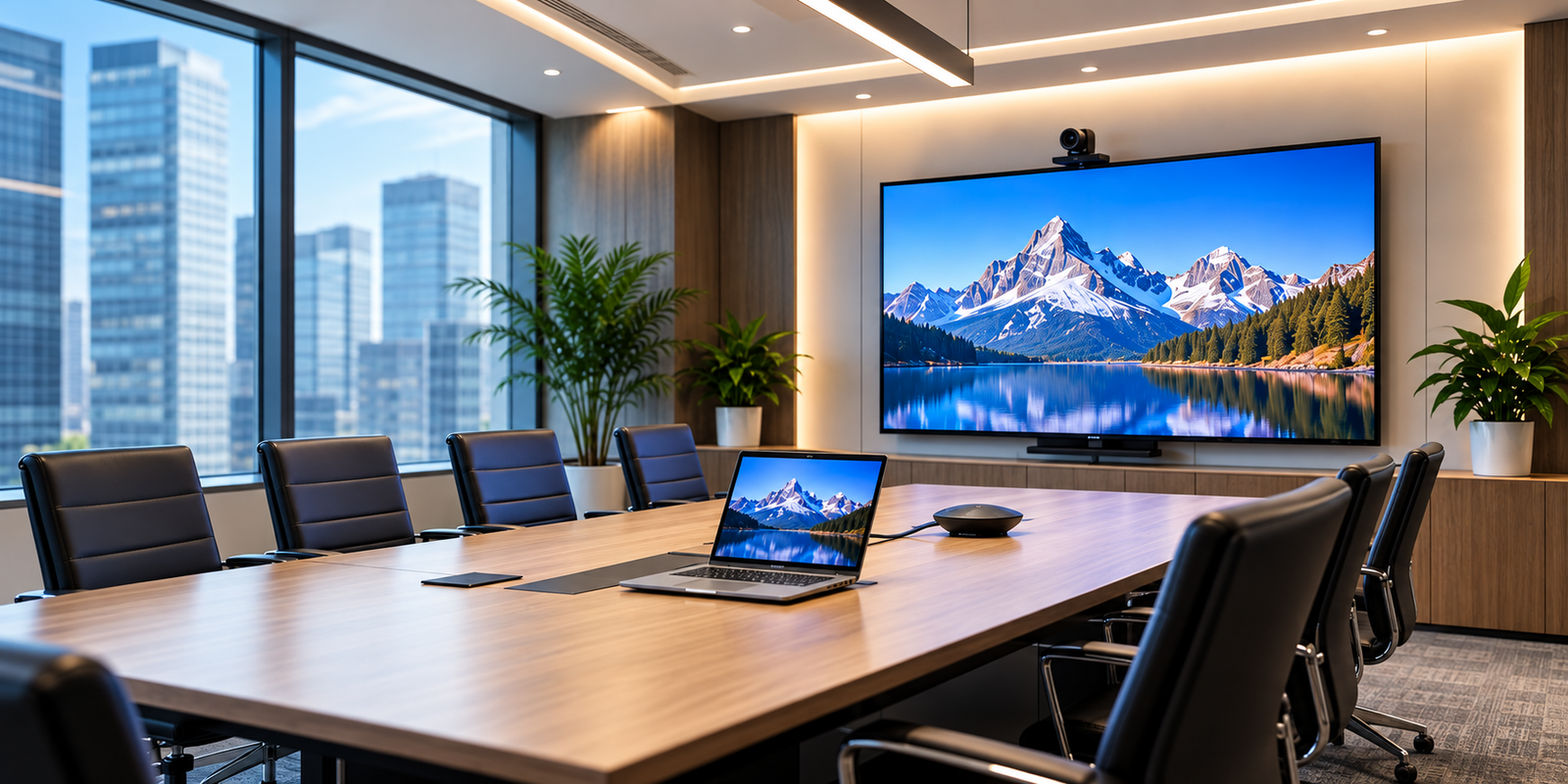
Conference rooms have evolved beyond basic presentation spaces. Today, they often include 4K displays, video conferencing systems, wireless presentation equipment, and centralized AV control systems.
These technologies create higher expectations for signal stability and installation flexibility.
For AV integrators, choosing the right HDMI cable is no longer simply about connecting two devices. It is about ensuring the entire AV system performs reliably throughout daily meetings.
HDMI Active Optical Cables (AOC) offer an effective solution for many long-distance installations. However, not every HDMI AOC cable is suitable for every conference room.
Understanding the technical requirements before selecting a cable can help prevent compatibility problems, installation delays, and unnecessary maintenance costs.
1. Why Are HDMI AOC Cables Better for Long-Distance Conference Room Installations?
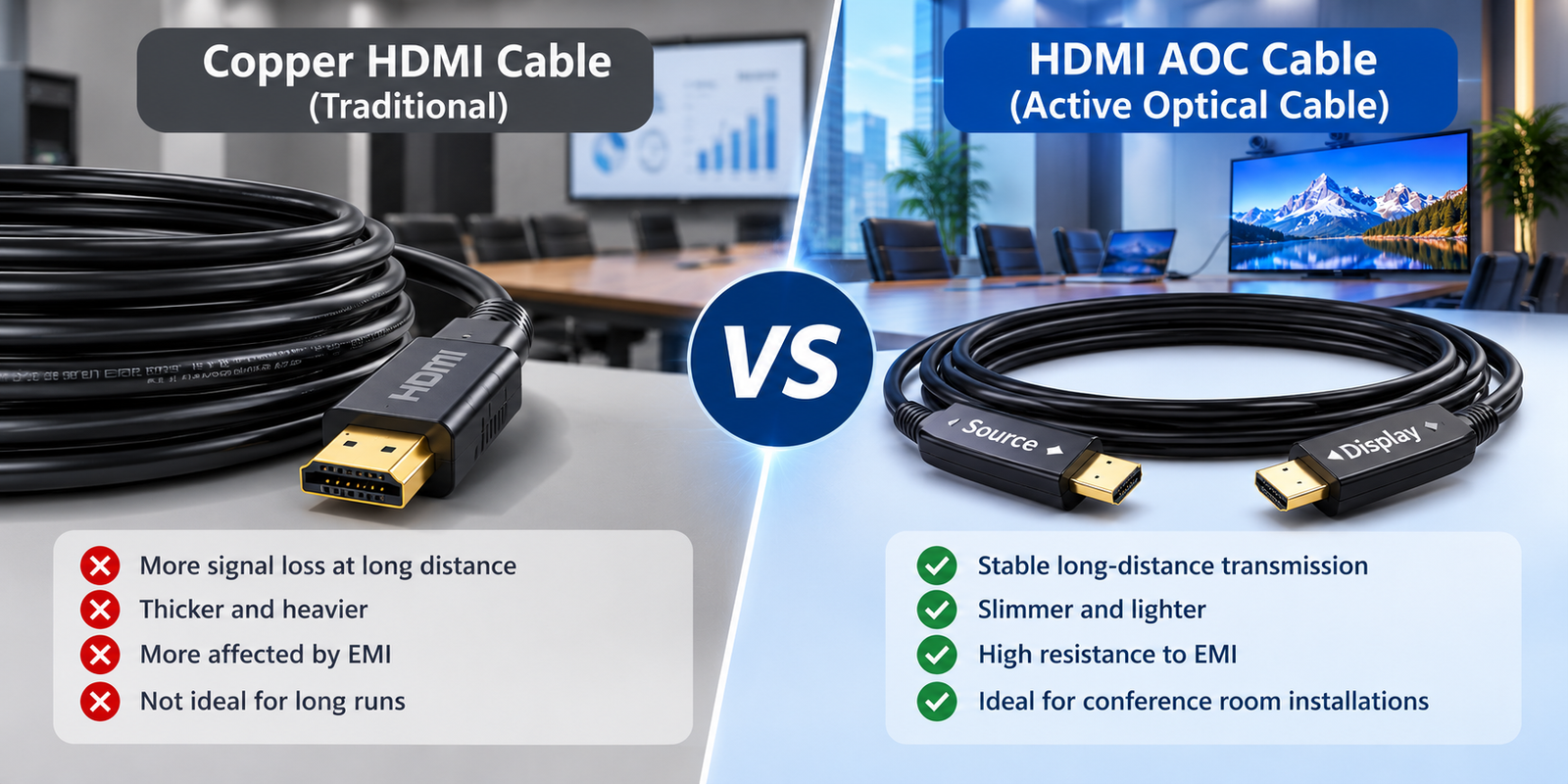
Long HDMI cable runs can create signal problems in conference rooms. As transmission distance increases, conventional copper cables may struggle to maintain reliable high-bandwidth performance.
HDMI Active Optical Cables use optical fiber to transmit high-speed HDMI signals over longer distances with lower signal attenuation and reduced sensitivity to electromagnetic interference. They are particularly useful for connecting equipment racks, conference room computers, projectors, and large displays.
How Does HDMI AOC Technology Work?
Unlike traditional passive copper HDMI cables, HDMI AOC cables combine optical fiber with electronic signal conversion components.
The connector at the source end converts high-speed electrical HDMI signals into optical signals.
These optical signals travel through the fiber inside the cable. At the display end, the signals are converted back into electrical HDMI signals.
Many hybrid AOC designs also use copper conductors for auxiliary HDMI functions.
This construction allows HDMI AOC cables to support longer transmission distances without relying entirely on copper conductors.
HDMI AOC vs. Traditional Copper HDMI Cable
Comparison
Copper HDMI Cable
HDMI AOC Cable
Transmission medium
Copper conductors
Optical fiber with supporting electronics and, often, copper conductors
Long-distance performance
More challenging at high bandwidth
Better suited to long-distance transmission
EMI resistance
Depends on shielding and construction
Optical signal path is highly resistant to EMI
Cable construction
Often thicker for demanding long runs
Often slimmer and lighter
Installation direction
Passive cables are generally bidirectional
Typically directional
Typical applications
Short equipment connections
Long conference room and professional AV connections
For short connections between a laptop and a nearby monitor, a properly specified copper HDMI cable may be sufficient.
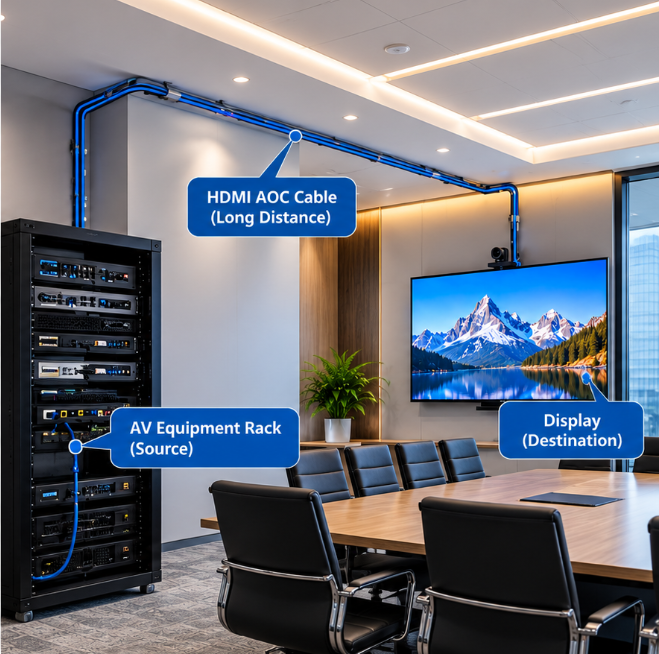
However, when the signal must travel from an equipment rack through a ceiling to a wall-mounted display, HDMI AOC often becomes a more practical choice.
The key is to select the cable according to the actual installation requirements rather than assuming that optical technology is always necessary.
2. What Specifications Should You Check Before Buying an HDMI AOC Cable for a Conference Room?
An HDMI cable may advertise 4K or 8K support, but that alone does not guarantee compatibility. Different conference room systems have different bandwidth and signal requirements.
Before purchasing an HDMI AOC cable, check the required resolution, refresh rate, bandwidth, cable length, HDMI features, power requirements, and source-to-display compatibility. Confirm that the cable has been tested for the intended installation length and operating conditions.
Choose the Right HDMI Performance Level
The first step is identifying what the conference room actually needs.
A standard meeting room using a 4K display at 60Hz may have different requirements from a high-end presentation room supporting 8K video or higher refresh rates.
Application Requirement
HDMI Cable Performance to Evaluate
Typical Use
1080p presentation
Suitable HDMI bandwidth and compatibility
Small meeting rooms
4K at 60Hz
Up to 18Gbps-class HDMI transmission, depending on signal format
Corporate conference rooms
4K at 120Hz
Higher-bandwidth HDMI solution, with required features verified
Premium displays
8K at 60Hz
HDMI 2.1-class high-bandwidth solution, with format and compression requirements verified
Advanced AV environments
For example, STAR FIRE TECH provides HDMI 2.0 Hybrid AOC solutions supporting 4K@60Hz and HDMI 2.1 Hybrid AOC solutions designed for up to 8K@60Hz applications.
However, the required bandwidth depends on factors such as color depth, chroma sampling, and compression.
Buyers should verify the actual supported video formats rather than relying only on the resolution printed on the packaging.
Match the Cable Length to the Installation Route
The cable length should account for the complete physical route, not simply the straight-line distance between two devices.
For example, a display located 10 meters from an equipment rack may require a longer cable if the installation route passes through the ceiling.
Avoid choosing an unnecessarily long cable without checking the manufacturer’s supported lengths and performance specifications.
Verify Device Compatibility
Conference room systems frequently combine equipment from different manufacturers.
HDMI features such as HDCP, EDID communication, CEC, and audio return functions should also be verified when required by the project.
For professional installations, testing the complete signal chain is more valuable than testing the cable alone.
3. How Can AV Integrators Avoid HDMI AOC Installation and Signal Problems?
Even a high-quality HDMI AOC cable can fail when installed incorrectly. Reversed connectors, excessive bending, inadequate power, or untested equipment combinations may interrupt signal transmission.
AV integrators can reduce HDMI AOC installation problems by checking cable direction, respecting the specified bend radius, confirming power and device compatibility, and testing the complete AV system before permanent installation. Proper planning helps reduce troubleshooting and reinstallation costs.
Check the Source and Display Direction
Most HDMI AOC cables are directional.
The connector marked “Source” should connect to the signal-generating device, such as a computer or HDMI switcher.
The connector marked “Display” should connect to the receiving device, such as a monitor or projector.
Reversing these connections generally prevents the cable from transmitting a usable signal.
This is particularly important when cables are installed inside walls or ceilings, where replacing an incorrectly routed cable may be difficult.
Protect the Cable During Installation
Although HDMI AOC cables are often slimmer than traditional copper cables, the internal optical fibers still require careful handling.
For in-wall or plenum installations, cable jacket requirements should be checked against applicable building codes.
Do not assume that every HDMI AOC cable is automatically approved for permanent installation inside a commercial building.
Test Before Completing the Installation
A simple pre-installation test can prevent significant troubleshooting later.
Connect the intended source device and display using the selected HDMI AOC cable before routing it permanently.
Verify the required resolution, refresh rate, audio transmission, and any additional HDMI functions.
Then repeat the test after installation.
For more complex systems, test through the actual AV switcher, matrix, or control equipment rather than connecting the source directly to the display only.
Why Does Manufacturing Quality Matter?
A conference room cable may remain installed for years.
Therefore, product consistency matters just as much as initial performance.
Reliable HDMI AOC manufacturing requires attention to optical components, connector construction, signal integrity, mechanical protection, and production testing.
STAR FIRE TECH has manufactured connectivity solutions since 2006, serving professional AV and other connectivity applications.
Our HDMI AOC solutions are developed for high-resolution and long-distance transmission requirements, with OEM/ODM options for different customer projects.
For distributors and AV integrators, working with a manufacturer that provides clear specifications and technical support can make product selection and project implementation more efficient.
Conclusion
Choosing the right HDMI AOC cable means matching bandwidth, distance, compatibility, and installation requirements. Careful product selection and testing help create more reliable conference room AV systems.
Learn more: https://www.starfirecableshubs.com