Table Of Content
Table Of Content
Industrial Ethernet Switch Buying Guide for Smart Factories
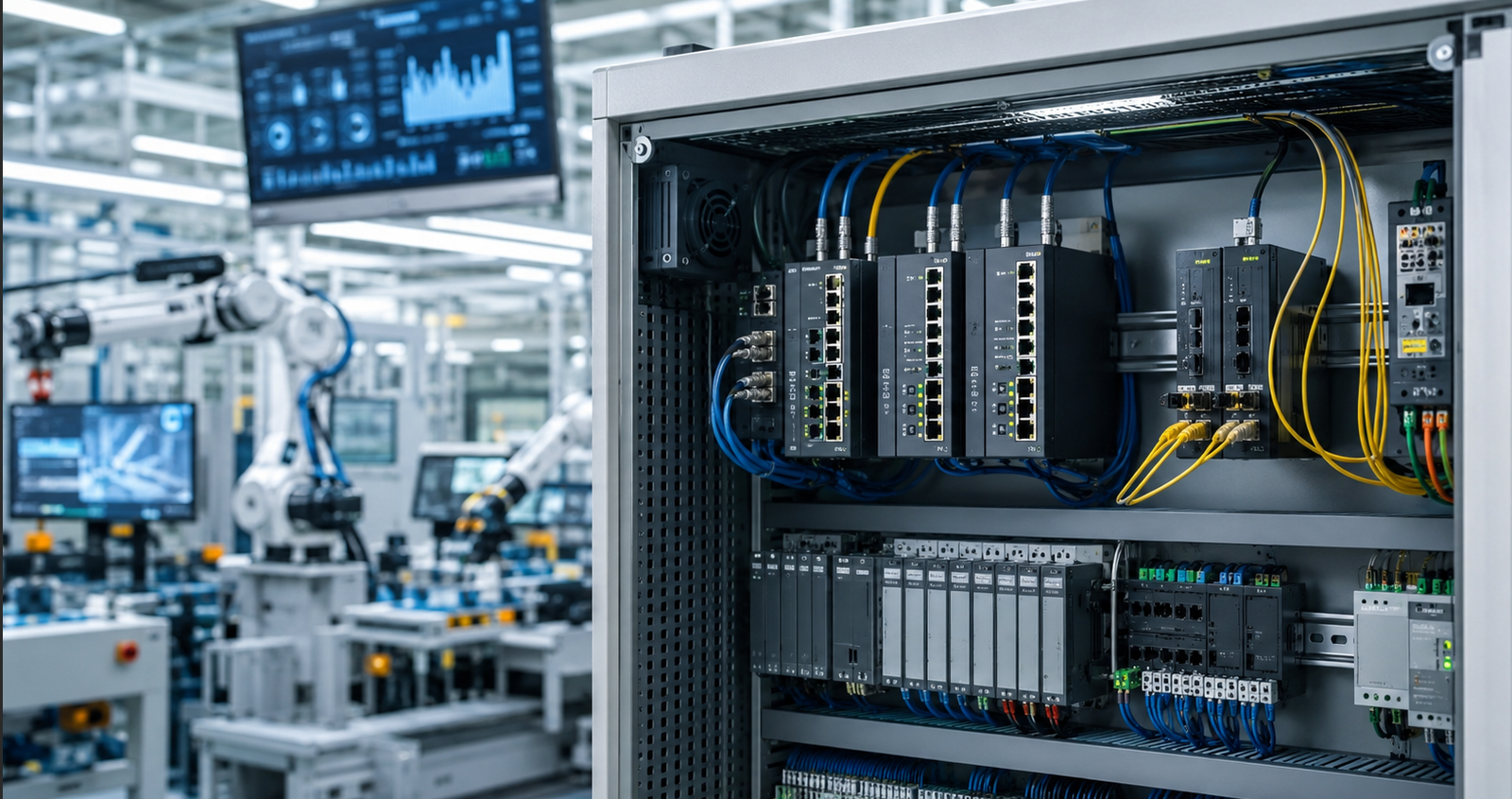
Smart factories depend on data. Machines, PLCs, sensors, robots, cameras, HMIs, and SCADA systems all need stable communication. If the network is unstable, production visibility becomes weak. If data is delayed, decisions become slower. If a connection fails, the impact may reach the entire production line.
That is why an industrial Ethernet switch buying decision should not be based only on port quantity or price. For smart manufacturing, the switch becomes part of the digital infrastructure.
Why Switch Selection Matters in Smart Manufacturing
In a traditional factory, the network may only connect a few control devices. In a smart factory, the network supports real-time data, automation control, monitoring, machine vision, remote maintenance, and production visibility.
This means the switch must do more than connect devices. It needs to support stable communication, traffic control, uptime, scalability, and easier maintenance.
For customers, the right industrial switch can help reduce downtime, improve visibility, and support long-term digital transformation.
Step 1: Define the Application
Before choosing a switch, customers should define where it will be used.
Is the switch installed at the edge of a machine? Inside a control cabinet? For camera aggregation? For fiber backbone communication? For core network connection?
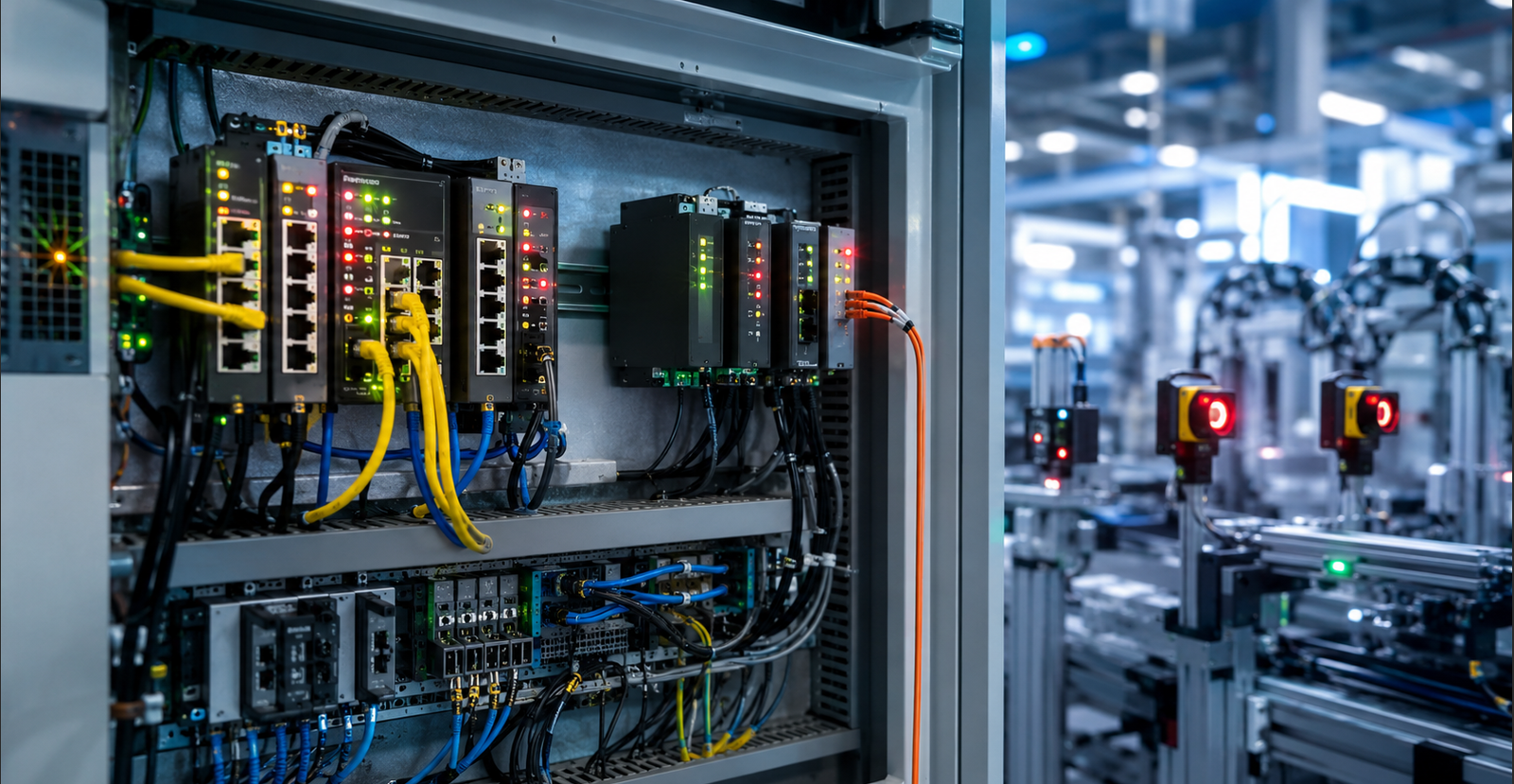
Edge devices may only need compact unmanaged switches. Larger production lines may require managed switches with VLAN, QoS, redundancy, fiber uplinks, and remote management.
The application should decide the switch, not the other way around.
Step 2: Understand the Device Type and Data Flow
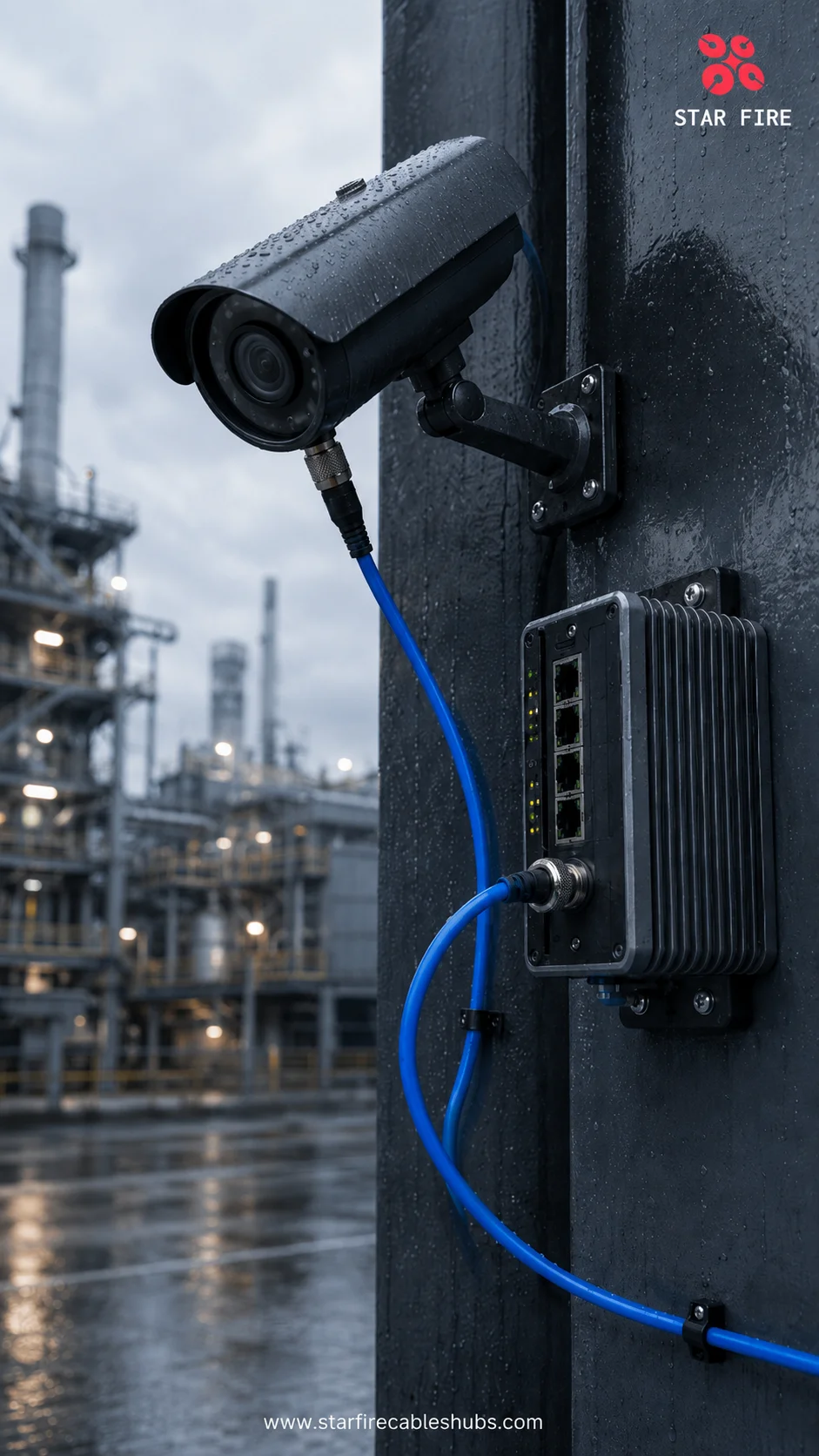
PLC communication is different from camera traffic. Machine vision systems may require high bandwidth and low latency. SCADA monitoring may require stable data collection across multiple areas. IP surveillance may need PoE and fiber uplinks.
Understanding the data type helps customers choose the right speed, port type, uplink design, and management features.
If all traffic is treated the same, important control data may be affected by less critical traffic. That is why smart factory network design should consider both bandwidth and priority.
Step 3: Check the Industrial Environment
A smart factory is still a harsh electrical environment. Motors, drives, dust, vibration, temperature changes, and electromagnetic interference can affect communication.
A commercial switch may be cheaper, but it may not be designed for 24/7 industrial operation. Industrial switches with metal housing, DIN-rail mounting, wide temperature range, and EMC protection can help reduce reliability risks.
For customers, environmental suitability helps protect the project after installation, not only during testing.
Step 4: Plan Network Segmentation
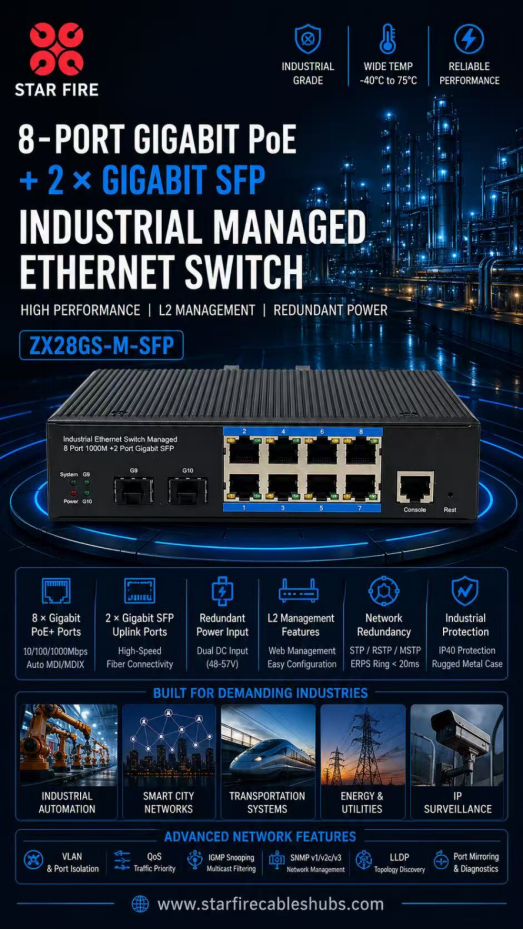
As factories become more connected, different systems should not always run on one flat network. VLANs can separate automation devices, cameras, management systems, maintenance access, and office traffic.
This improves network control, reduces unnecessary traffic, and makes troubleshooting easier. It also helps engineers manage expansion when more devices are added later.
For smart factories, segmentation is not just a technical function. It is a way to keep the network organized and scalable.
Step 5: Build Redundancy into Critical Links
Industry 4.0 requires uptime. Ring topology, RSTP, dual uplinks, and dual power input can help avoid single points of failure.
For critical production lines, redundancy is not an extra feature. It is part of risk management.
If one link fails and the entire line stops, the cost may be much higher than the cost of better network design.
Step 6: Evaluate Maintenance and Visibility
Smart factories need visibility. Managed industrial switches help engineers check port status, traffic patterns, device connections, alarms, and link conditions remotely.
This can reduce troubleshooting time and support predictive maintenance. Instead of sending engineers to inspect every cabinet, the maintenance team can identify many issues from the network side first.
For customers, this means faster response, fewer unnecessary site visits, and better control over the production network.
STAR FIRE TECH Perspective
At STAR FIRE TECH, we suggest customers build switch selection around real operating goals: uptime, device compatibility, traffic control, future expansion, environmental reliability, and maintenance efficiency.
The right industrial switch can help customers reduce downtime, support digital transformation, and build a more reliable smart factory network. In smart manufacturing, connectivity is not just infrastructure. It is the foundation that allows machines, people, and data to work together.
FAQ
Q: What switch is best for smart factories?
A: The best switch depends on the application, but managed industrial switches are often preferred for larger smart factory networks.
Q: Why do smart factories need VLANs?
A: VLANs help separate PLCs, cameras, SCADA systems, maintenance access, and other devices for better traffic control.
Q: Should smart factories use fiber uplinks?
A: Fiber uplinks are useful for long-distance, high-bandwidth, and EMI-resistant backbone communication.
Q: Is PoE useful in smart factories?
A: Yes. PoE can power IP cameras, wireless access points, sensors, and some edge devices.
Q: What is the main value of industrial switches in Industry 4.0?
A: They support reliable data transmission, uptime, remote monitoring, traffic control, and scalable network architecture.
#SmartFactory #Industry40 #IndustrialEthernet #IndustrialNetworking #SCADA #PLCCommunication #FactoryAutomation #IndustrialIoT #ManagedSwitch #STARFIRETECH