Table Of Content
Table Of Content
图1
USB-C looks simple, but the system is complex
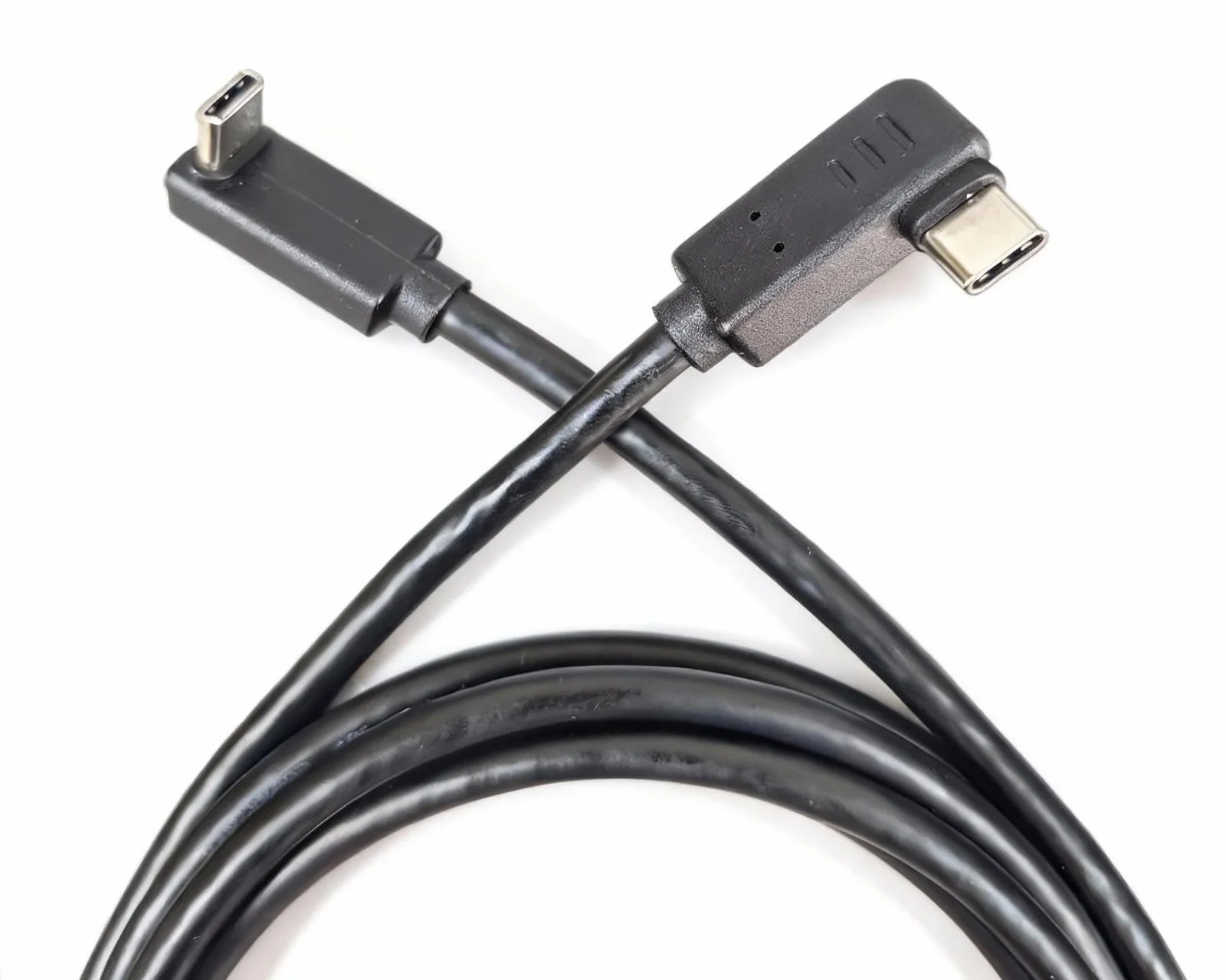
USB-C is one of the most confusing cable categories for customers. The connector looks the same, but the internal capability can be very different. Some USB-C cables support charging only. Some support USB2.0 data. Some support high-speed data, video output, and PD charging at the same time. When a USB-C monitor flickers or cannot be detected, the cable is often one of the first things to check.
Common causes of USB-C monitor flicker
USB-C monitor flicker can be caused by limited bandwidth, missing video support, unstable PD power negotiation, poor shielding, EMI, dock compatibility, weak connector fit, or an incorrect cable type. If the cable does not support DP Alt Mode or the required display bandwidth, the monitor may show flicker, black screen, signal drop, or intermittent detection.
Why PD charging matters
In many workstation and docking applications, the same USB-C cable may carry power, data, and video at the same time. If PD charging is unstable, the connected device may behave unpredictably. For high-power 100W or 240W applications, buyers also need to pay attention to the cable rating and eMarker chip design. A professional cable is not only about fast charging; it must also support safe and stable system operation.
How buyers can reduce compatibility risk
Before purchasing USB-C cables for monitors, docks, laptops, tablets, or workstations, check the required function clearly. Does the project need charging only, USB data transfer, 4K video output, or a full-function USB-C solution? Does the cable support USB3.2, USB4, DP Alt Mode, PD 100W or higher? Is the shielding strong enough for the application environment? These questions help buyers avoid choosing a cable that looks right but cannot support the actual system.
STAR FIRE TECH’s customer value
图3
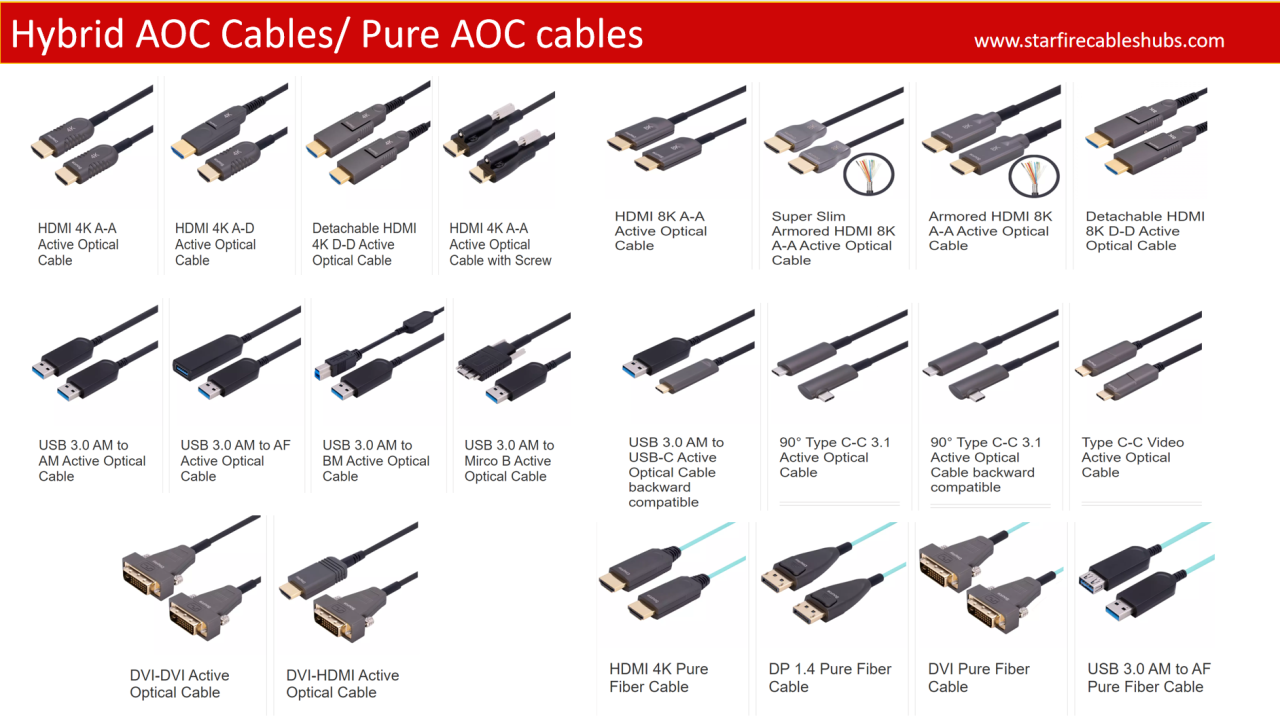
STAR FIRE TECH provides USB, USB-C, full-function Type-C, and hybrid active optical cable solutions for distributors, brands, system integrators, and project buyers. Our focus is helping customers reduce compatibility complaints, support more stable display and charging performance, and develop OEM cable solutions that fit real application scenarios such as office workstations, docking stations, medical imaging, industrial cameras, and professional displays.
FAQ for USB-C buyers
Why is my USB-C monitor not detected? The cable may not support video output, the device may not support DP Alt Mode, or the dock may not support the required resolution.
Is every USB-C cable full function? No. The connector can be the same while the internal wiring and chip design are different.
Do high-power USB-C cables need an eMarker chip? For 100W or 240W high-power cables, an eMarker chip is commonly used so devices can recognize the cable’s current capability.
#USBCable #USBCCable #USBCMonitor #USBCFlicker #TypeCCable #USB4 #PDCharging #DPAltMode #DockingStation #CableManufacturer #STARFIRETECH