Table Of Content
Table Of Content
USB cables are often treated as simple accessories. But for customers who use laptops, docking stations, industrial devices, cameras, medical equipment, external storage, or professional AV systems, USB cable quality can directly affect daily performance. A poor cable may charge slowly, transfer data unreliably, fail to recognize a device, or create unstable connections during operation.
The challenge is that many USB cables look almost the same from the outside. A connector may be USB-A, USB-B, Micro USB, or USB-C, but the internal structure can be very different. Some cables are designed mainly for charging. Some are built for data transmission. Some USB-C cables may also support video output and higher power delivery. For buyers, this means appearance alone is not enough.
The Customer Problem: One Cable, Many Possible Functions
Customers often assume that if a cable fits the port, it should support all functions. In reality, USB cable performance depends on the internal wiring, conductor design, shielding, power capability, and supported standard. This is especially important for USB-C, where the same connector can be used for charging, data, video, and docking applications.
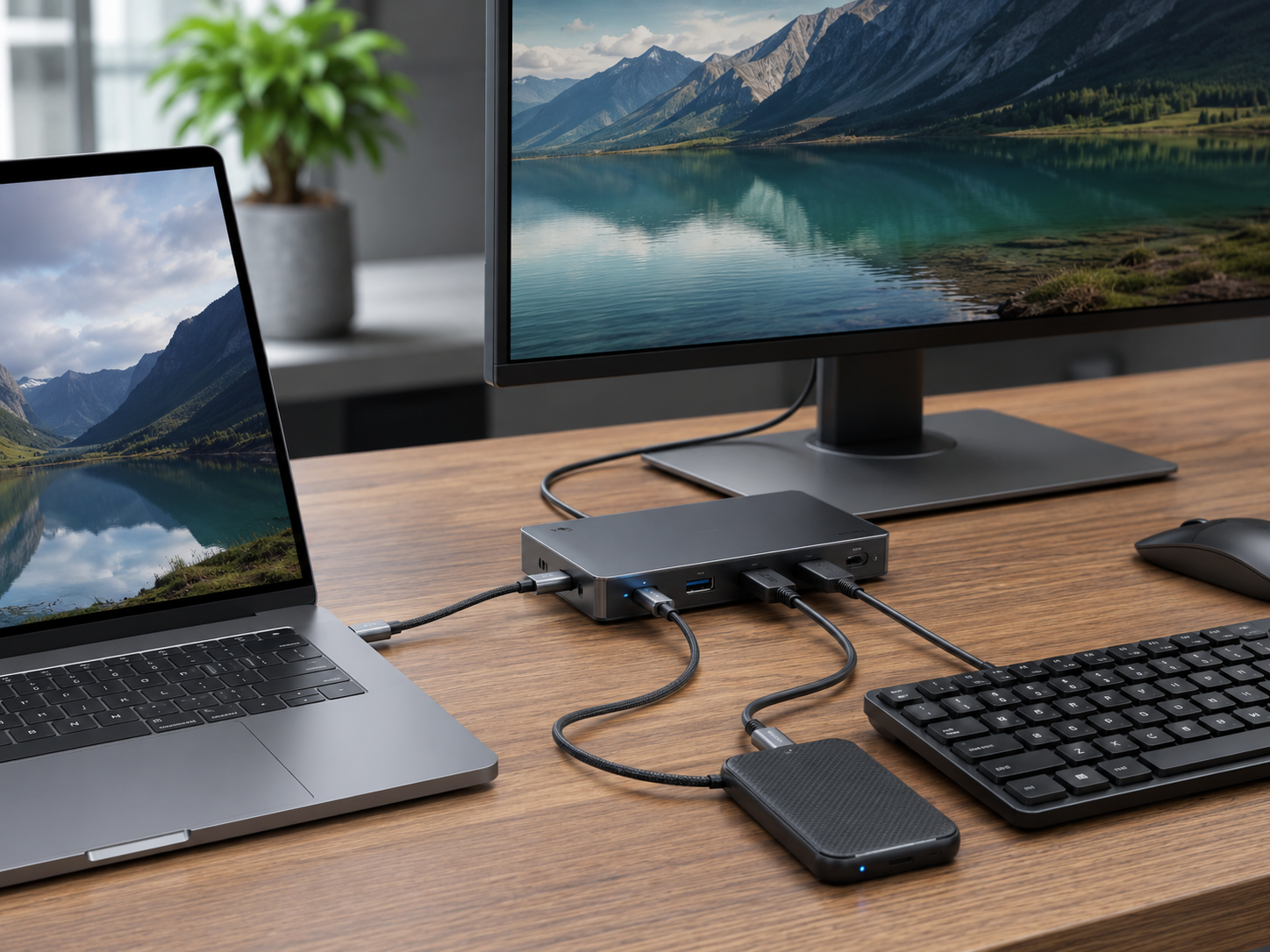
For example, a cable used with a docking station may need to support stable data transfer and display output. A cable used with a camera or industrial device may need reliable communication under continuous operation. A cable used for charging may need to handle the required current safely. When the wrong cable is used, the device may still connect, but the user experience becomes unstable.
图2
Why Copper Cable Design Matters
A reliable USB copper cable needs more than a clean connector. It needs the right conductor structure, shielding design, jacket material, and manufacturing consistency. For data applications, signal integrity is critical. For charging applications, power stability and safe current handling matter. For professional or industrial environments, mechanical durability and EMI protection become even more important.
Shielding can help reduce interference when USB cables are used near power supplies, motors, displays, or other communication cables. Jacket material and cable flexibility also matter because many USB cables are used in repeated plugging, desktop routing, machine connections, or tight installation spaces.
图3
How Buyers Can Choose the Right USB Cable
The best way to choose a USB cable is to start with the application. Does the customer need charging only, data transfer, video output, or all of these functions? What data rate is required? What power level is needed? Will the cable be used with a docking station, camera, industrial device, medical display, or consumer product? Is the cable installed in a high-interference environment?
For USB-C projects, buyers should pay close attention to whether the cable supports the required function, such as PD charging, USB 3.2, USB4, DisplayPort Alt Mode, or eMarker requirements for higher power. Not every USB-C cable is full-function, and using the wrong specification can create device recognition problems, slow data transfer, or display failure.
The Value for OEM Brands, Distributors, and Project Buyers
Reliable USB copper cables help customers reduce hidden costs. They can lower return rates, reduce compatibility complaints, support more stable device performance, and improve the user experience. For OEM brands, consistent quality also protects brand reputation. For distributors and project buyers, flexible length, jacket, connector, packaging, and branding options can make sourcing more efficient.
STAR FIRE TECH supports USB and USB-C copper cable solutions for customers who need stable charging, data transfer, device connectivity, and OEM customization. By matching the cable specification to the actual application, customers can avoid many common USB connection problems before they happen.
FAQ
Q: Are all USB-C cables full-function? A: No. Some USB-C cables support only charging or basic data transfer. A full-function USB-C cable should be selected based on the required charging, data, and video output functions.
Q: Why is my USB device not recognized? A: Possible causes include a charge-only cable, insufficient data capability, poor connector contact, weak shielding, device compatibility issues, or an incorrect cable specification for the application.
Q: What should buyers check before sourcing USB copper cables? A: Buyers should confirm connector type, data rate, charging power, shielding structure, cable length, jacket material, durability requirements, and whether the cable needs to support video output or PD charging.
#USBCable #USBCopperCable #USBC #USB3 #USB4 #PDCharging #DataTransfer #DeviceConnectivity #CableManufacturer #STARFIRETECH