Table Of Content
Table Of Content
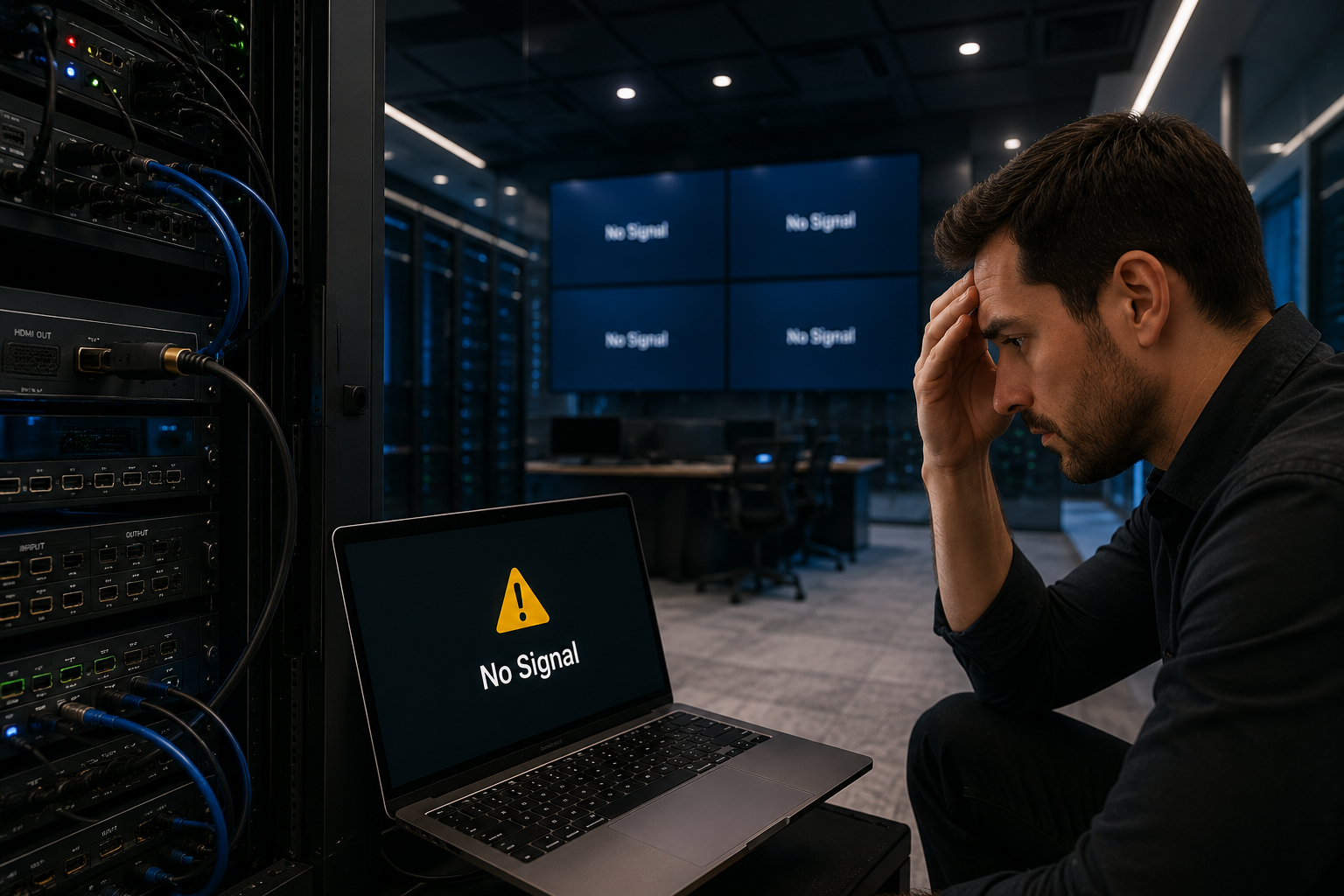
 Why Industrial Network Problems Are Hard to Diagnose Industrial Ethernet problems are often frustrating because they do not always appear as a complete failure. Sometimes the network still works, but cameras freeze, PLC communication becomes slow, SCADA data is delayed, or devices disconnect randomly. For customers, the biggest challenge is uncertainty. Maintenance teams may spend hours trying to identify whether the problem comes from the switch, cable, power supply, connected device, network topology, or installation environment. A good troubleshooting process helps reduce downtime and avoids replacing the wrong component.
Problem 1: Unstable Ethernet Connection An unstable Ethernet connection can be caused by loose connectors, poor cable quality, damaged ports, vibration, electromagnetic interference, or poor grounding. In industrial sites, physical-layer problems are very common because cables and connectors are exposed to movement, dust, heat, and electrical noise. Before changing network configuration, customers should first check cable length, connector condition, shielding, grounding, port LEDs, and whether the cable is suitable for the environment. Many “network problems” are actually physical connection problems.
Problem 2: Packet Loss and Data Drop Packet loss can affect camera video, PLC communication, machine vision data, and SCADA monitoring. Common causes include EMI, overloaded links, poor cabling, faulty devices, unstable power, or network congestion. In managed switch systems, port statistics can help engineers identify error packets, dropped packets, or abnormal traffic. This makes troubleshooting faster and helps maintenance teams find the affected port instead of checking the whole network blindly.
Problem 3: Network Latency In automation systems, latency can affect machine coordination, data collection, monitoring accuracy, and response speed. Excessive broadcast traffic, poor network segmentation, low-speed uplinks, or too many devices on one flat network can increase delay. Customers can improve traffic control by using VLAN planning, QoS, proper uplink design, and managed industrial switches. For large factory networks, segmentation is not only a technical feature. It is a practical way to keep critical traffic more stable.  Problem 4: PoE Instability IP cameras, wireless access points, and other PoE devices may reboot if the PoE budget is insufficient, if the cable is too long, or if the device requires more power during peak operation. Outdoor cameras may consume more power at night when infrared functions are active. Customers should calculate the total power demand of all PoE devices and keep enough margin for peak load and future expansion. Stable PoE output is especially important for surveillance, traffic monitoring, factory security, and remote sites.
Problem 5: Network Loops
Network loops can create broadcast storms and make the entire network unstable. This may lead to high latency, device disconnection, or communication interruption.
Managed switches with RSTP, loop protection, or ring protocols can help prevent or recover from these issues. For critical production lines, tunnels, energy sites, and surveillance systems, topology design should be planned before installation, not after a failure occurs.
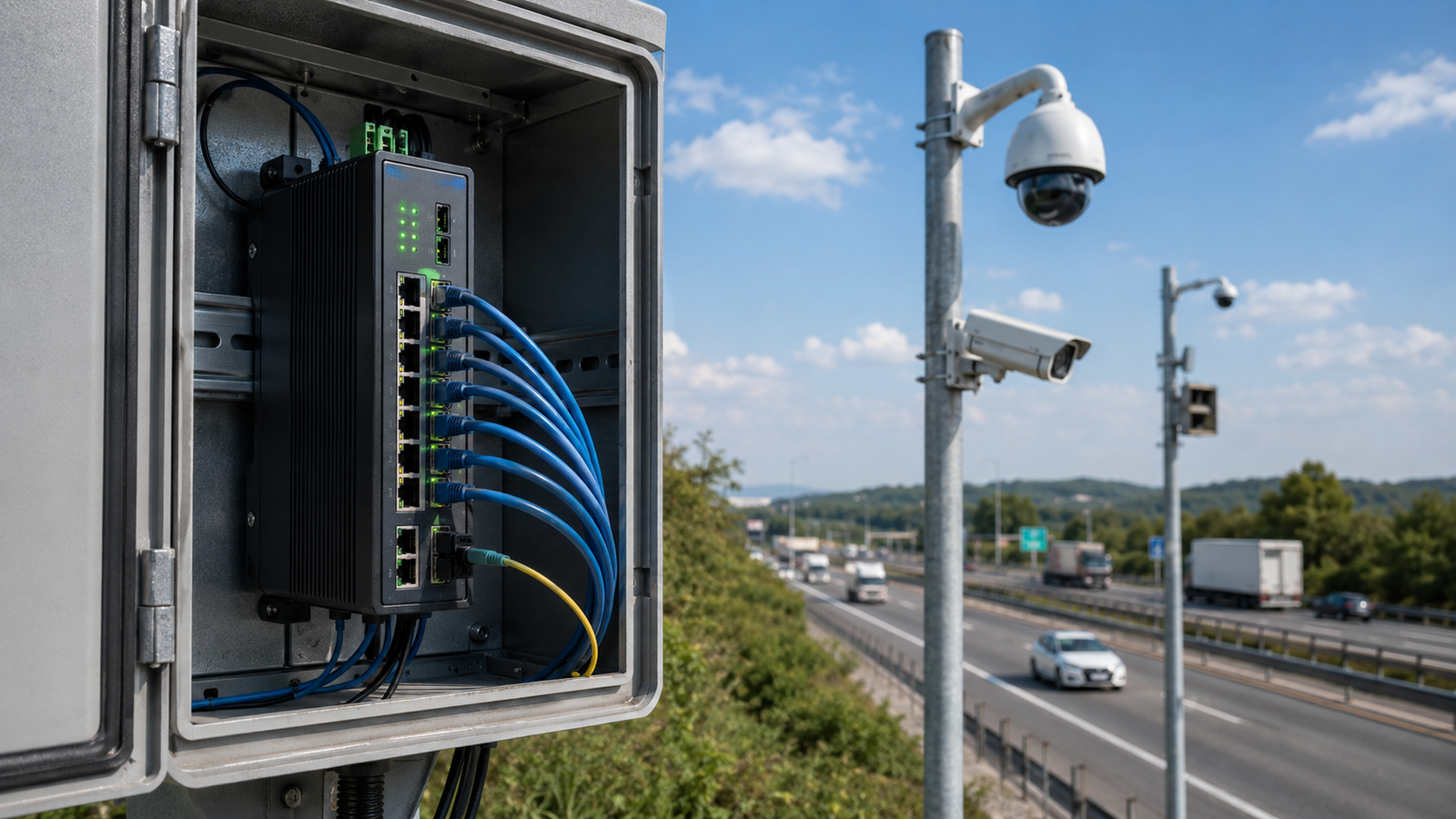
Problem 6: Harsh Environmental Stress High temperature, dust, vibration, moisture, and poor ventilation can reduce equipment reliability. A commercial switch may pass a short test but fail in long-term industrial operation. Industrial-grade switches are designed for demanding environments. Features such as wide temperature range, metal housing, DIN-rail mounting, EMC protection, and dual power input can help customers reduce hidden failure risks.
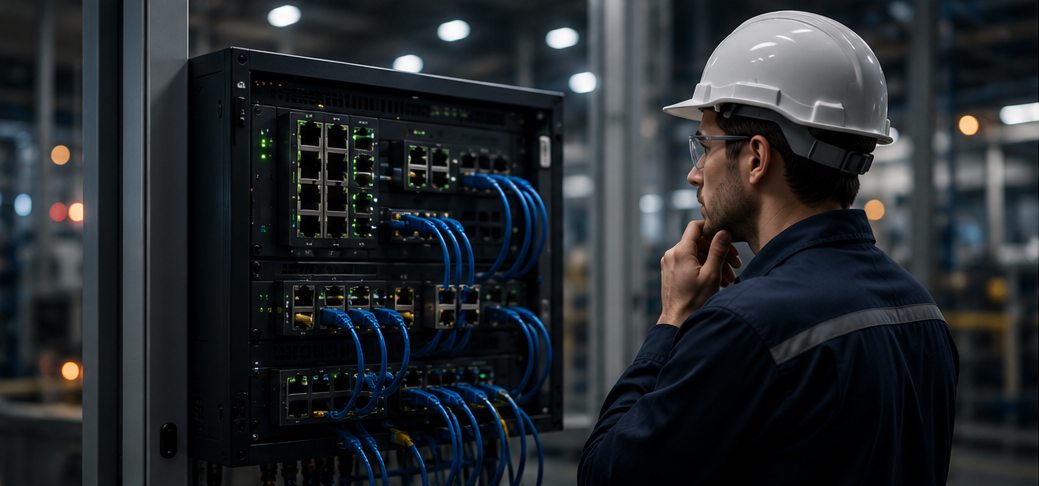
A Practical Troubleshooting Checklist When a network becomes unstable, customers can start with the basics: power supply, grounding, cable condition, connector tightness, port status, device load, topology, cabinet temperature, and environmental conditions. After that, engineers can check VLAN settings, redundancy protocols, IP conflicts, traffic load, and port statistics. This step-by-step approach helps teams find the real root cause faster and avoids unnecessary replacement of switches, cameras, PLCs, or cables.  STAR FIRE TECH Perspective At STAR FIRE TECH, we help customers think about industrial network problems from the system level. The switch, cable, power supply, environment, and topology must work together. A stable industrial network is not created by one component alone. It comes from correct selection and good design. For customers, solving network problems means less downtime, lower maintenance cost, faster response, and stronger confidence in daily operation.
FAQ Q: Why is my industrial Ethernet unstable? A: Common reasons include loose connectors, EMI, poor cabling, power instability, overheating, or network congestion. Q: How can I reduce packet loss? A: Improve cable quality, check grounding, reduce EMI, use managed switches for diagnostics, and avoid overloaded links. Q: What causes industrial network latency? A: Latency can come from heavy traffic, poor segmentation, low-speed uplinks, or too many devices on one network. Q: How do I prevent network loops? A: Use proper topology design and managed switches with RSTP, loop protection, or ring protocols. Q: Why should I use industrial-grade switches? A: They are designed for harsher temperature, vibration, EMI, and 24/7 operation requirements.
#IndustrialNetwork #EthernetTroubleshooting #PacketLoss #NetworkLatency #IndustrialSwitch #FactoryAutomation #PoE #SCADA #IndustrialCommunication #STARFIRETECH