Table Of Content
Table Of Content
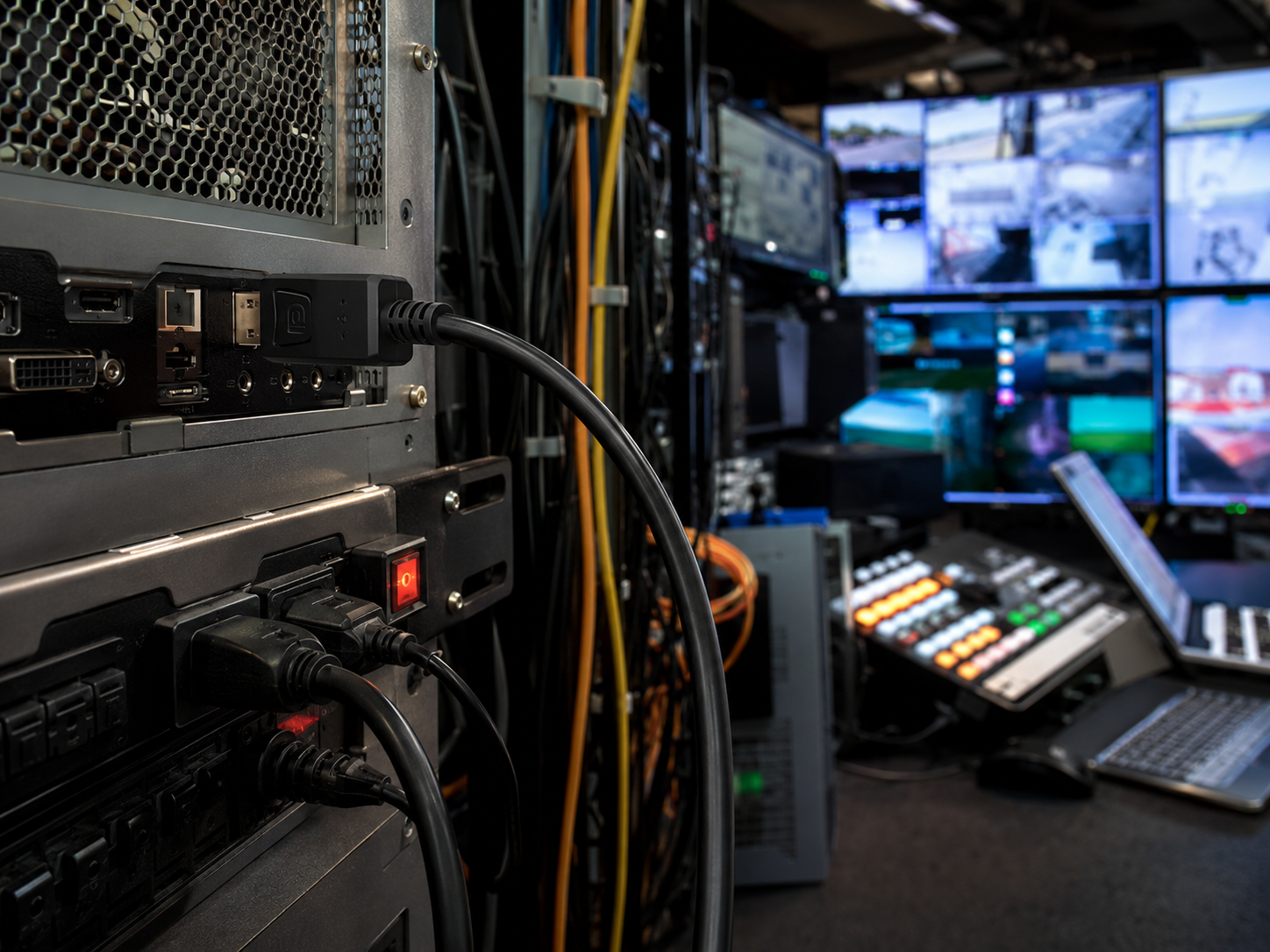
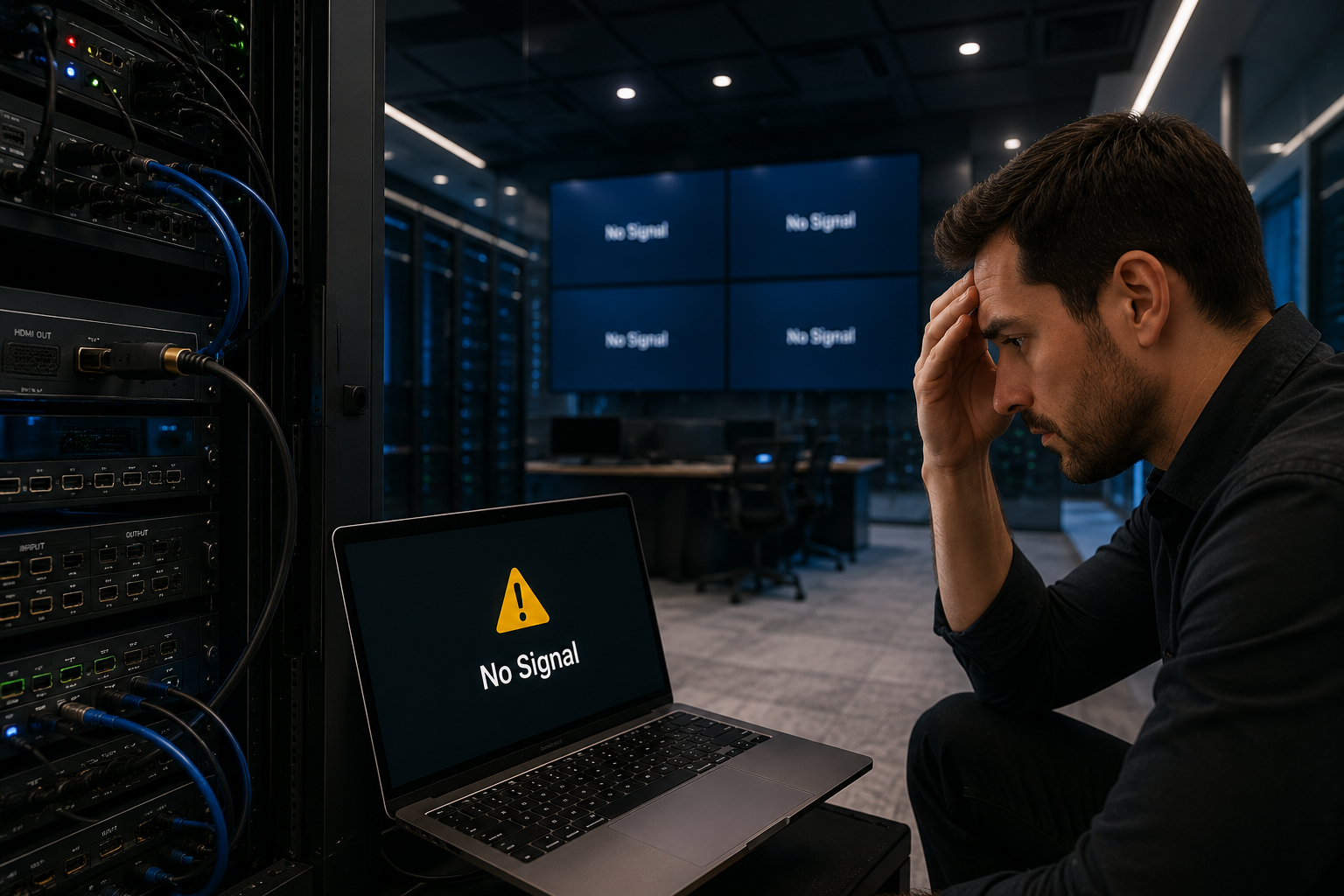
Many DisplayPort problems are not caused by the monitor itself. They are caused by a mismatch between the cable and the installation environment. A cable may work well on a desk, but fail when it is routed through a cabinet, bent behind a display, or used near other electrical equipment. For project buyers, this means DP cable selection should not be based only on connector type or price.
DisplayPort copper cables are still a practical solution for many professional display applications. They are easy to deploy, widely compatible, and suitable for short-distance connections in workstations, monitors, control rooms, industrial displays, and AV equipment. But to use them reliably, buyers need to understand three factors: length, shielding, and routing.
Length: Longer Is Not Always Better
One common sourcing mistake is ordering a longer cable “just in case.” In real projects, unnecessary length can increase cable clutter and create more signal loss. For high-resolution or high-refresh-rate display output, the cable should be long enough for installation, but not much longer than needed.
A professional buyer should confirm the real route before choosing the length. Is the cable going directly from the workstation to the monitor? Will it pass through a desk, cabinet, wall, or equipment rack? Is the cable expected to move frequently? These details affect not only length, but also jacket material and flexibility.
Shielding: Protection Against Real-World Interference
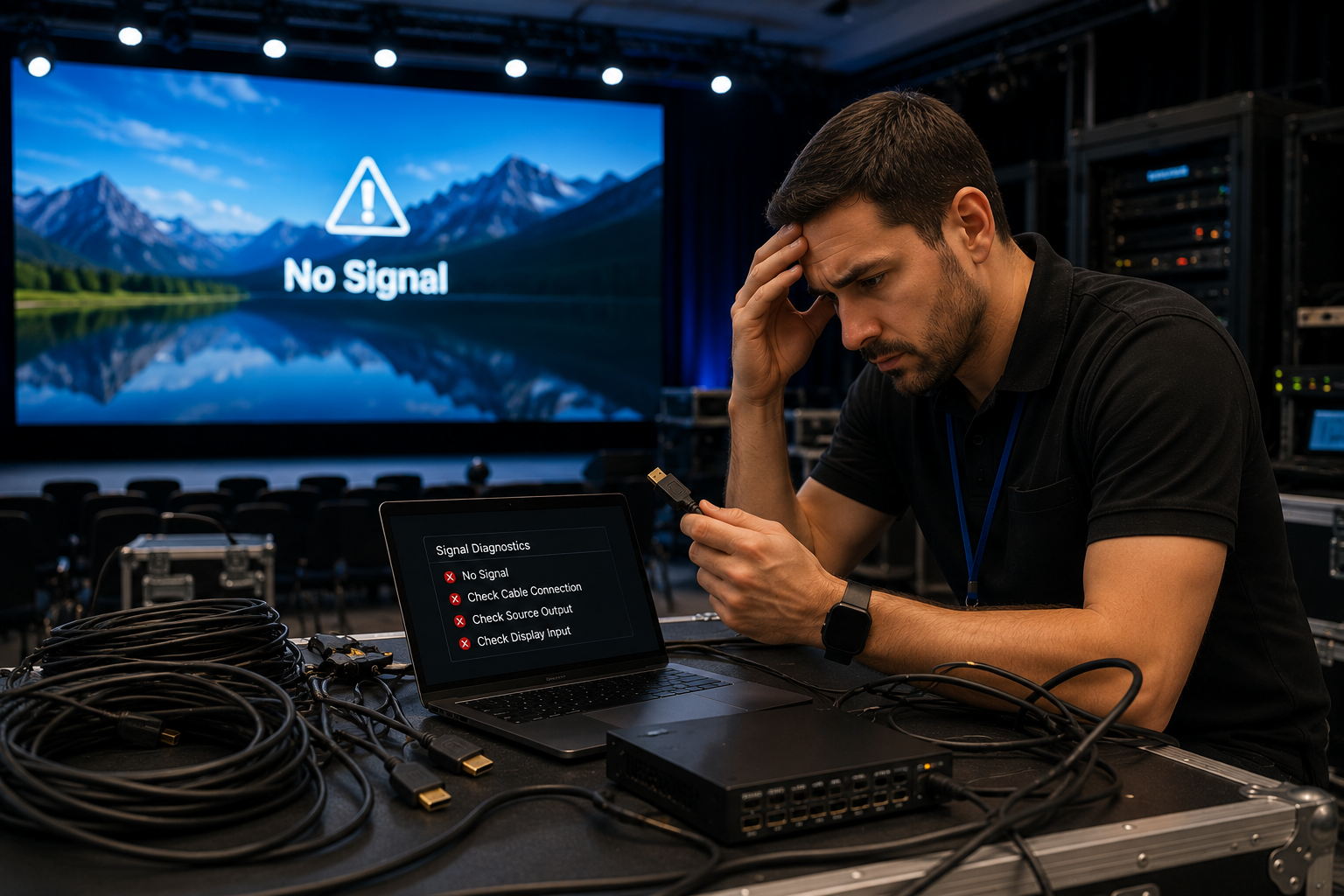
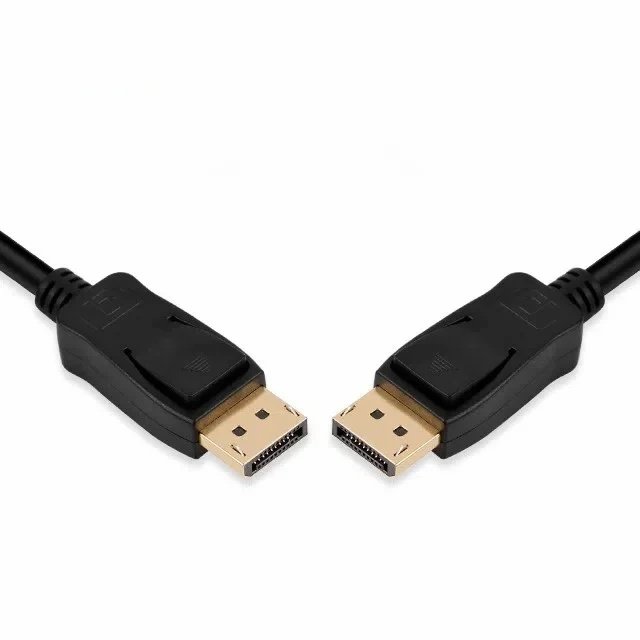
In professional environments, a DisplayPort cable often works near power adapters, LED displays, docking stations, industrial controllers, cameras, or other signal cables. This can create electromagnetic interference. If the DP cable has weak shielding, the display may experience intermittent flickering, black screens, or unstable output.
Good shielding helps protect signal integrity, especially in high-density installations. For customers, this means fewer unexpected display problems and less time spent replacing cables after installation. Shielding is not just a technical detail. It is a practical way to reduce project risk.
Routing: Flexibility Can Affect Reliability
Cable routing is often ignored until the installation starts. Behind wall-mounted displays, inside meeting tables, and within equipment cabinets, space is limited. A cable that is too stiff can stress the connector and damage the port over time. A cable that is too soft but poorly structured may not provide enough protection for stable signal transmission.
For this reason, DP copper cable design should balance flexibility and durability. The right cable should be easy to route without sacrificing shielding, conductor stability, or connector reliability. This is especially important for system integrators who need repeatable installation results across multiple projects.
How This Creates Value for Buyers
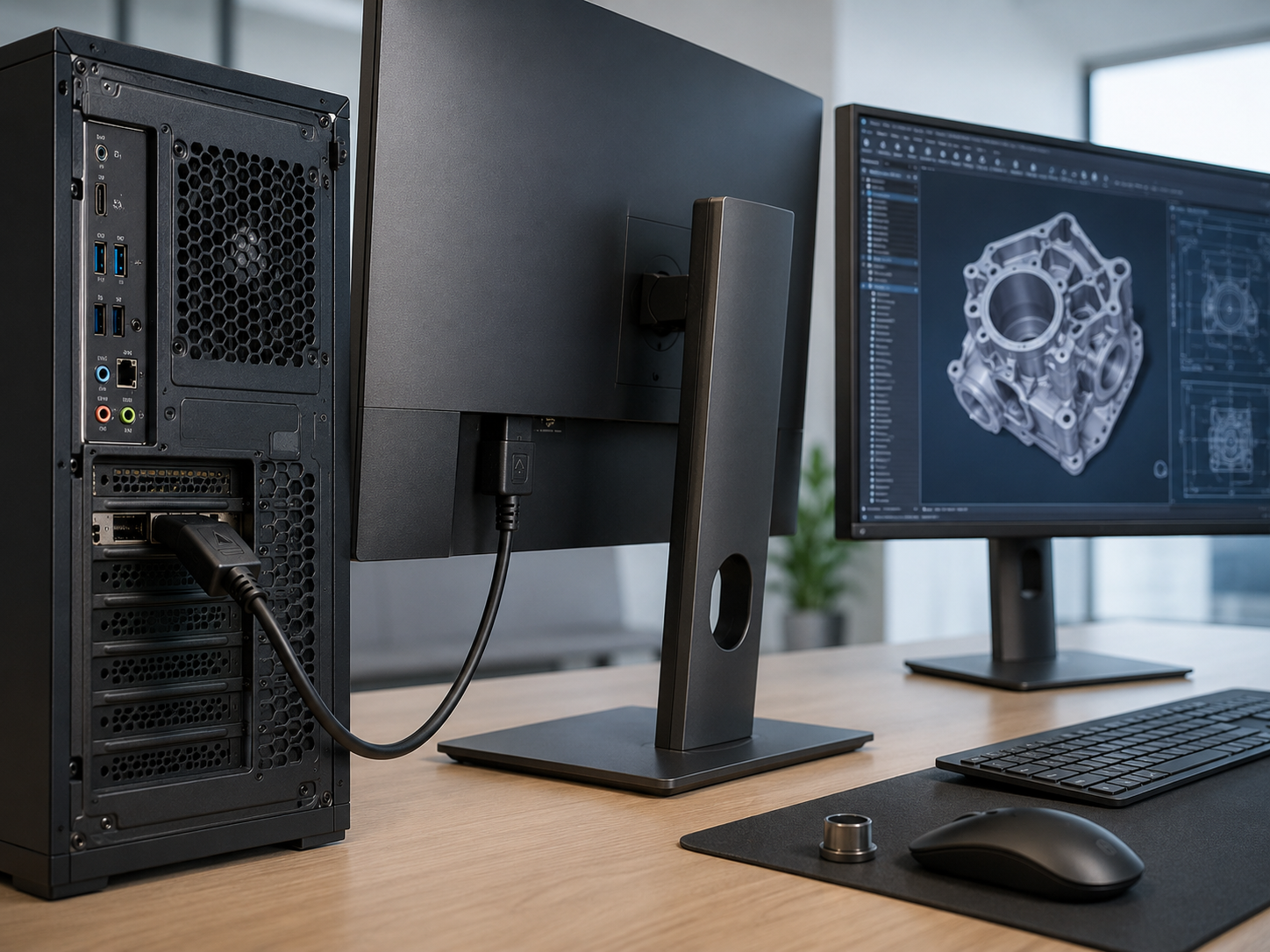
Choosing the right DP copper cable helps customers reduce hidden costs. A cheaper cable may save a small amount at purchase, but it can increase labor cost, troubleshooting time, warranty claims, and customer dissatisfaction. A stable cable can help integrators complete projects faster and help distributors build trust with repeat customers.
STAR FIRE TECH supports DisplayPort copper cable solutions for customers who need reliable professional display connectivity, OEM flexibility, and application-based cable selection. By matching cable length, shielding, and routing needs to the real project environment, buyers can improve system stability from the beginning.
FAQ
Q: Can a longer DisplayPort cable reduce signal stability? A: Yes. Longer cable runs can increase attenuation and make high-bandwidth signal transmission more difficult. Buyers should choose the right length based on the actual installation route.
Q: Why is shielding important for DP copper cables? A: Shielding helps reduce EMI interference and supports stable signal output in complex environments with many electronic devices, power cables, or industrial equipment.
Q: What is a good DP cable for tight installation spaces? A: A good choice should balance flexibility, connector strength, shielding structure, and stable signal performance. The cable should be easy to route without putting stress on the display port.
#DisplayPortCable #DPCopperCable #CableRouting #EMIShielding #ProfessionalAV #IndustrialDisplay #WorkstationConnectivity #SignalStability #CableSourcing #STARFIRETECH