Table Of Content
Table Of Content
What Causes Network Failure in Industrial Automation Systems?
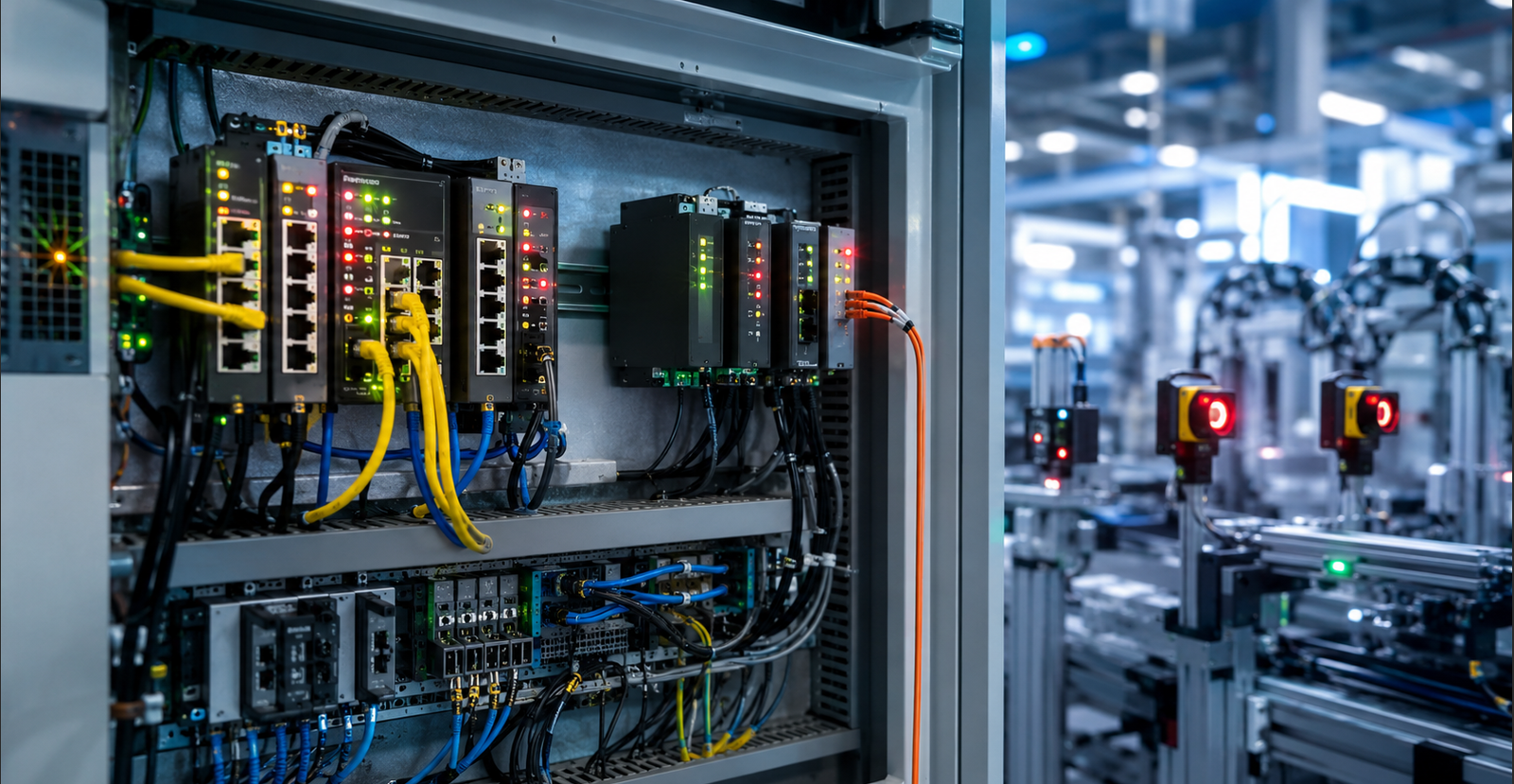
Industrial network failure is not always caused by one obvious problem. In many automation systems, the network may work normally for weeks and then suddenly show packet loss, unstable device communication, camera freezing, PLC timeout, or SCADA data delay.
For customers, the real cost is not the switch itself. The real cost is downtime, delayed production, maintenance labor, and uncertainty. To reduce this risk, engineers need to understand the common causes behind industrial network problems.
The Hidden Cost of Network Failure
When communication becomes unstable, the impact can go far beyond one device.
A camera may freeze during inspection. A PLC may lose communication with an HMI. A SCADA system may receive delayed data. A production line may stop because the control network is not stable enough.
That is why industrial Ethernet troubleshooting should not only focus on replacing hardware. Customers need to identify the root cause and prevent the same problem from happening again.
Cause 1: Electromagnetic Interference
Factory environments often include motors, variable frequency drives, high-voltage cables, welding equipment, and large machines. These devices can create electrical noise that affects Ethernet communication.
If cables, grounding, shielding, or switch design are not suitable for the environment, EMI may cause packet loss, unstable links, or intermittent device disconnection.
For industrial customers, anti-interference design is not optional. It is part of building a reliable communication system.
Cause 2: Poor Network Design
Another common cause is poor network structure. When too many devices share one unmanaged network, broadcast traffic can increase and bandwidth may become difficult to control.
IP cameras, PLCs, HMIs, barcode readers, sensors, and SCADA devices may all compete for network resources. Without VLAN planning, traffic prioritization, or managed switch visibility, the network may become unstable during peak operation.
A network that works during testing may fail when all devices run at the same time.
Cause 3: Power Instability and PoE Problems
Power quality is a major factor in industrial cabinets. Unstable DC power, poor grounding, or voltage fluctuation can affect switch performance.
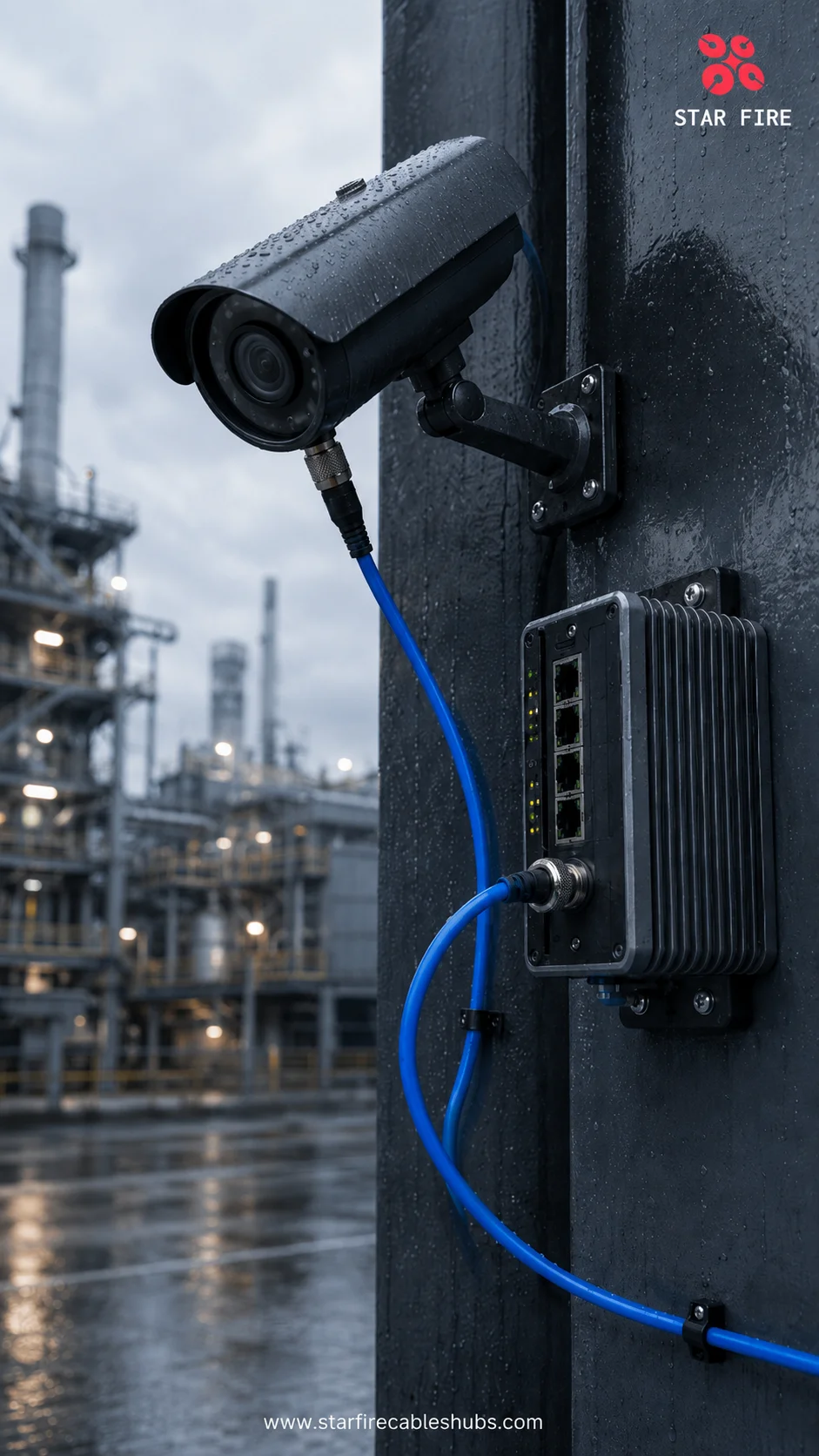
For PoE systems, insufficient power budget can cause cameras, access points, or other PoE devices to reboot. This problem often becomes more obvious at night when infrared cameras consume more power.
From the customer side, PoE power instability may look like a network failure, but the root cause may actually be power design.
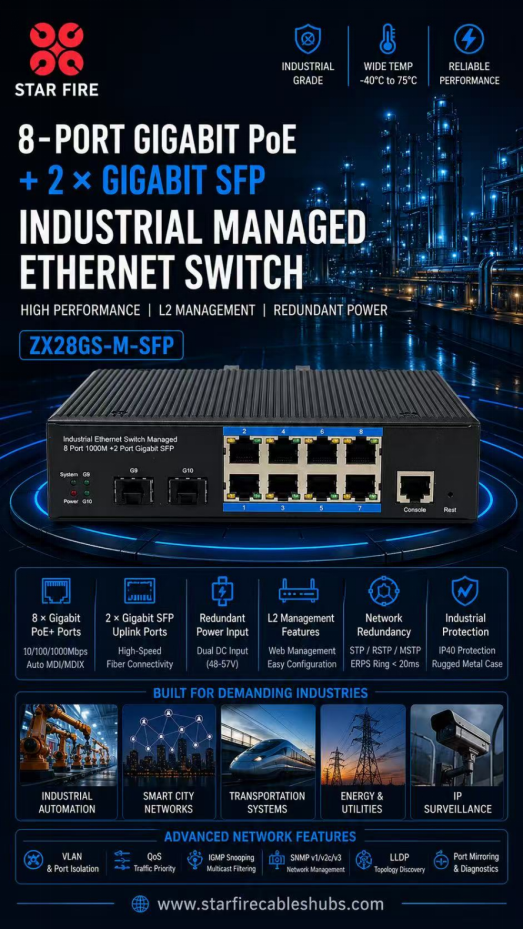
Cause 4: Cable and Connector Issues
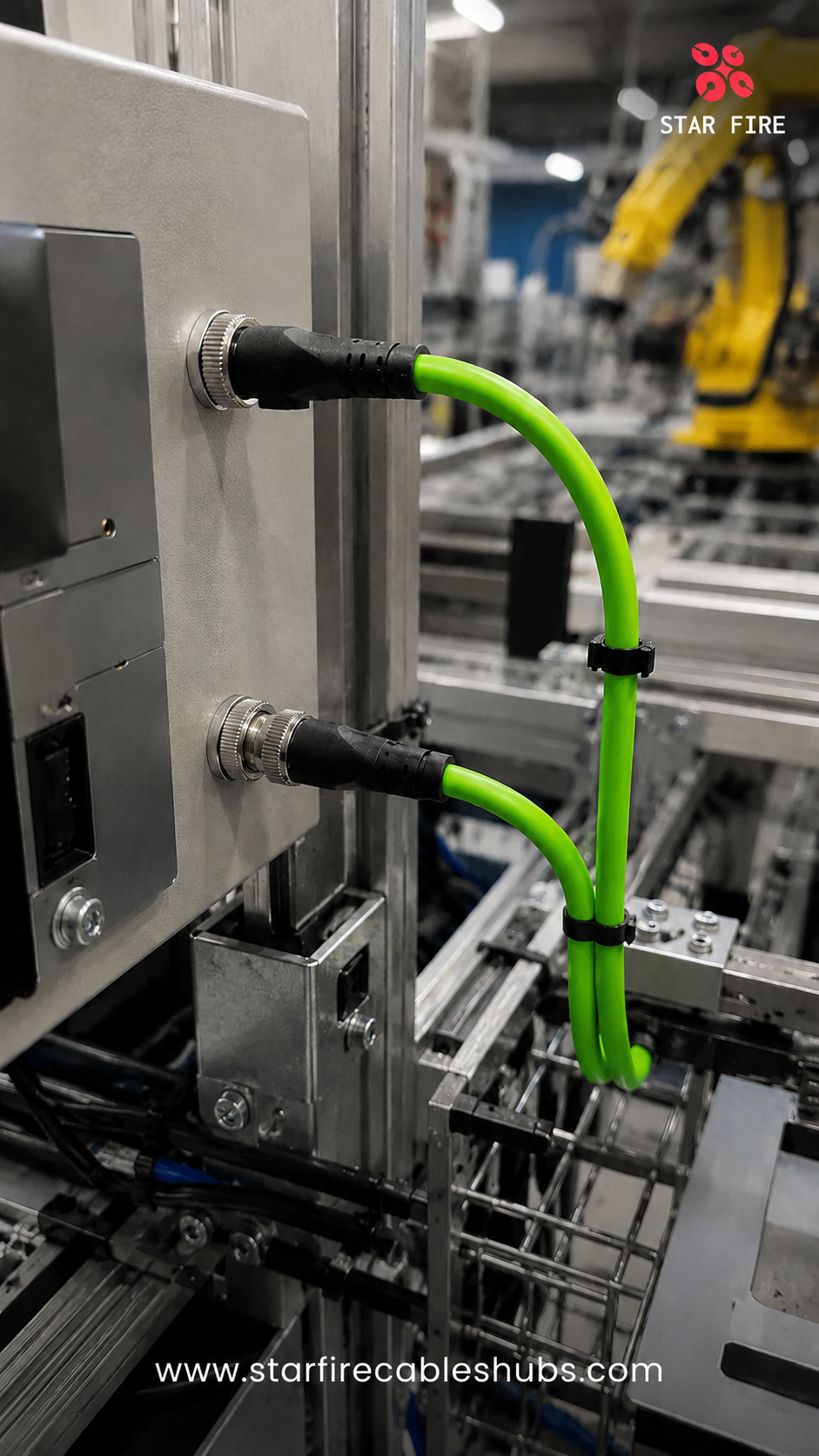
Cable and connector quality should not be ignored. Long Ethernet runs, poor shielding, loose connectors, damaged RJ45 ports, unsuitable cable structures, or weak grounding can all create intermittent issues.
In industrial sites, vibration and repeated movement can slowly damage weak connections. The result may look like a switch problem, but the real issue may come from the physical layer.
A stable network starts with stable cable, connector, grounding, and installation quality.
Cause 5: Environmental Stress
High temperature, dust, moisture, vibration, and poor ventilation inside cabinets can increase failure risk. An office-grade switch may work during early testing but fail after months in a real industrial environment.
For critical automation systems, customers should choose switches that are designed for harsh conditions, wide temperature operation, and 24/7 industrial use.
A Practical Troubleshooting Path
When an industrial network becomes unstable, customers can check the system step by step:
• Power supply and grounding
• Cable and connector condition
• Port status and link stability
• PoE power budget
• Loop risk and broadcast traffic
• Device load and bandwidth usage
• Fiber links and uplink status
• Cabinet temperature and ventilation
• EMI sources near cables or devices
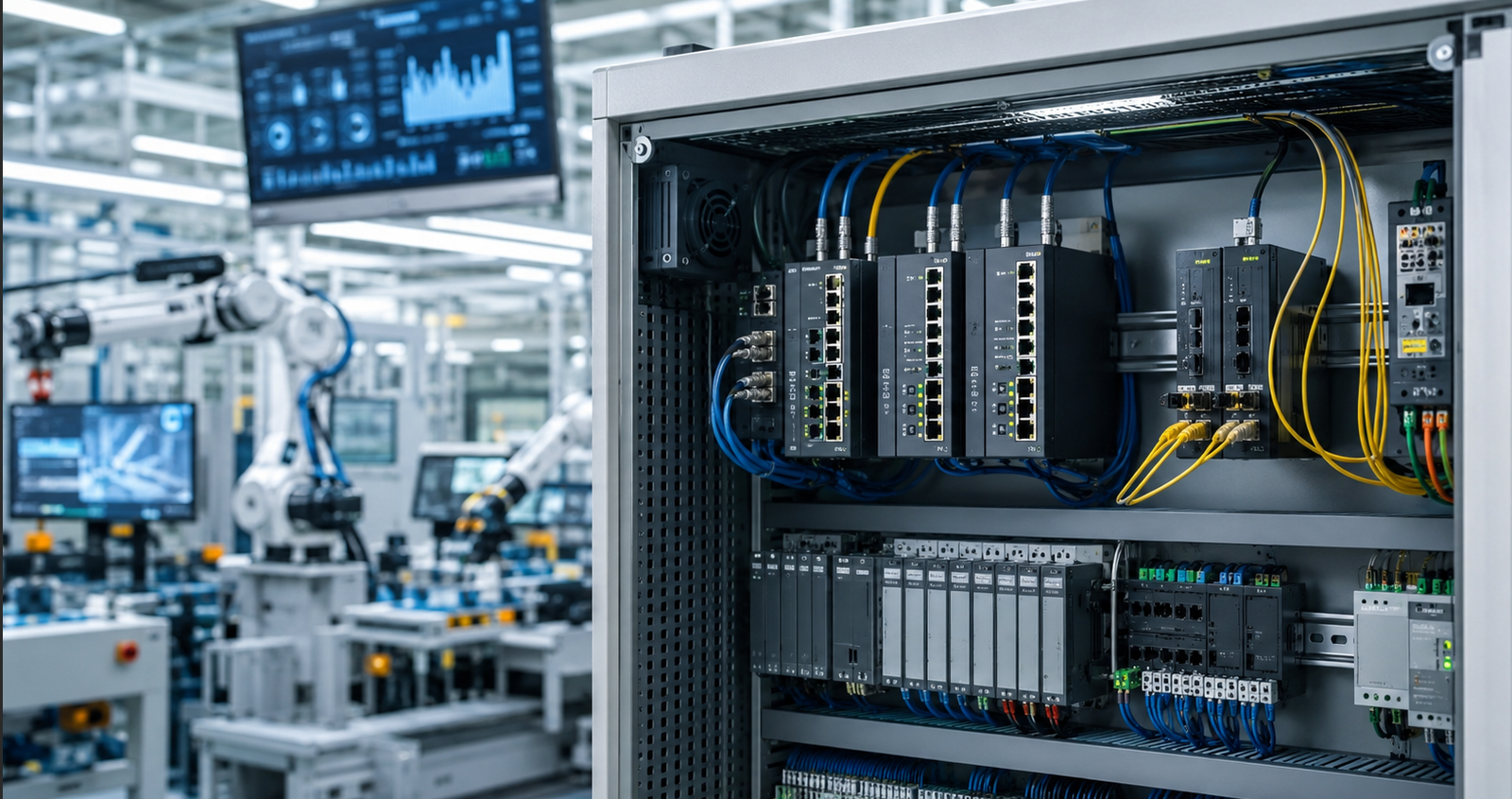
In managed switch systems, port statistics, alarms, and logs can help engineers identify errors faster.
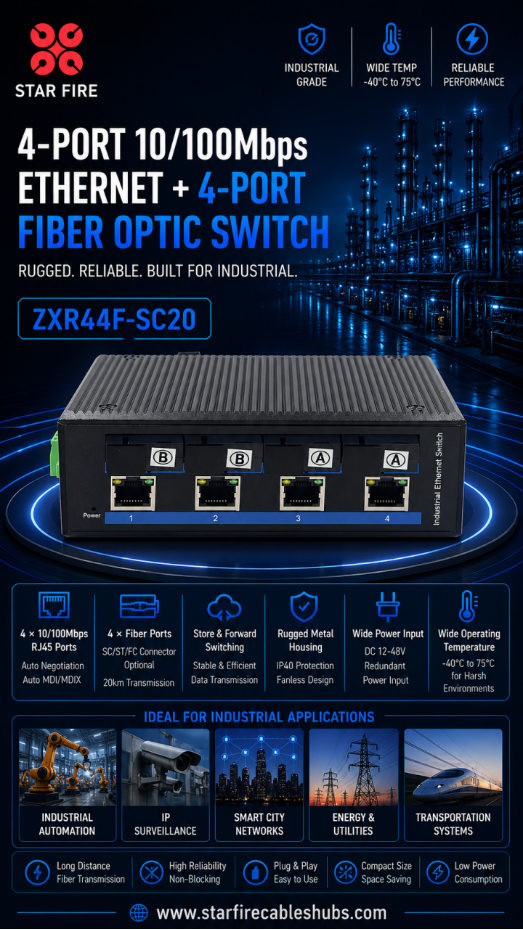
STAR FIRE TECH Perspective
At STAR FIRE TECH, we believe industrial networking should be designed around prevention, not only repair. Choosing the right switch, cable, topology, power design, and redundancy plan can reduce hidden risks before they become downtime.
For automation customers, the value of a reliable industrial network is clear: stable machine communication, fewer unexpected stops, faster troubleshooting, and a stronger foundation for smart manufacturing.
FAQ
Q: Why do industrial networks fail intermittently?
A: Intermittent failures often come from EMI, unstable power, poor cabling, overheating, loose connectors, network congestion, or weak grounding.
Q: Can EMI cause packet loss?
A: Yes. Strong electromagnetic interference can affect signal quality and lead to packet loss or unstable communication.
Q: How can managed switches help troubleshooting?
A: Managed switches provide logs, port status, traffic monitoring, alarms, and diagnostic data.
Q: Can PoE power problems look like network problems?
A: Yes. If PoE devices reboot or lose power, the issue may appear as a network failure.
Q: What is the first step in troubleshooting?
A: Start with power, cable, connector, grounding, and port status before changing network configuration.
#IndustrialNetworkFailure #EthernetTroubleshooting #FactoryDowntime #PacketLoss #EMIInterference #IndustrialAutomation #SCADA #PLCs #IndustrialSwitch #STARFIRETECH