Table Of Content
Table Of Content
In Pro AV, the question “How many Ethernet switch ports do we need?” sounds simple. It rarely is.
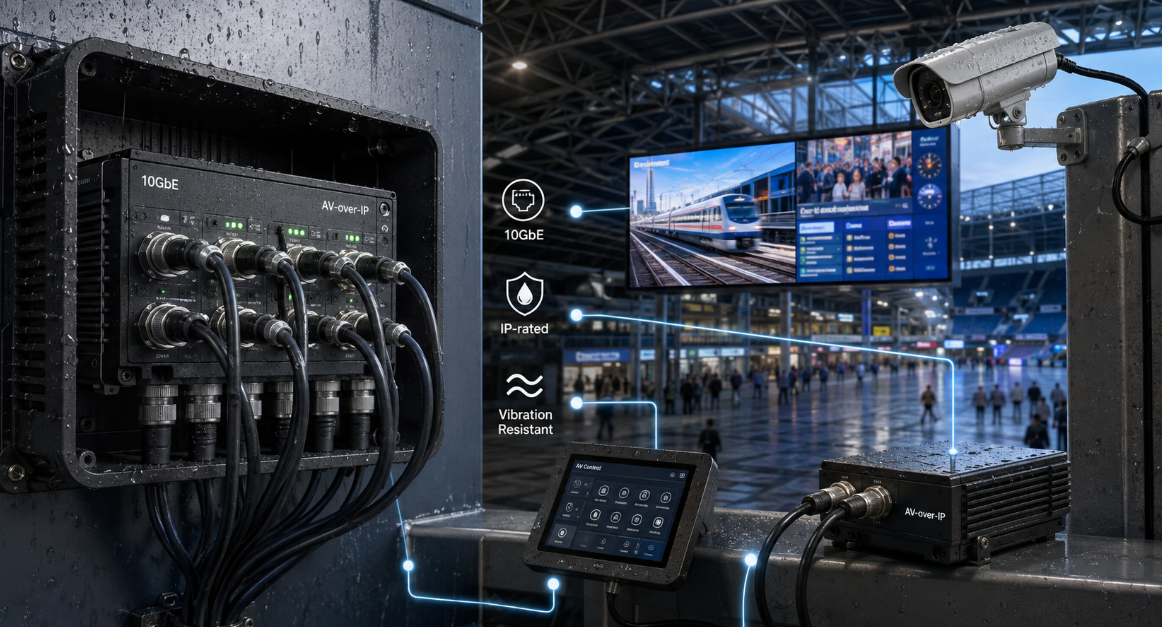
In AV over IP, broadcast, control rooms, digital signage, smart buildings, and industrial AV, port count is part of system architecture. A switch that is large enough on day one can still become the first bottleneck when the system expands, adds PoE devices, introduces redundancy, or moves more media across fiber uplinks.
After years of working with connectivity and professional AV systems, I use a different rule:
Do not size a switch by the number of devices you have today. Size it by the number of connections the system must support throughout its operating life.
Start with endpoints — but do not stop there
List every device that needs Ethernet:
- AV over IP encoders and decoders
- Dante or AES67 audio devices
- DSPs, controllers, and touch panels
- PTZ cameras and IP video devices
- Wireless access points
- Digital signage players
- Monitoring appliances
- PoE-powered endpoints
If there are 18 devices, the answer is not automatically “buy a 24-port switch.” Those 18 ports cover only the endpoints. Uplinks, redundant links, inter-switch connections, management, and spare capacity still have to be counted.
Separate device ports from infrastructure ports
One of the most common mistakes is treating every switch port as available for endpoints.
A 24-port managed switch may use SFP or SFP+ ports for fiber uplinks, another connection for management, and additional ports for redundant paths or neighboring switches. If the design includes primary and secondary Dante networks, dual-homed devices may require two independent network connections.
A practical planning formula is:
Required ports = endpoints + uplinks + redundancy + infrastructure + planned growth
That simple formula prevents many undersized designs.
Reserve capacity before the rack is full
Professional AV systems rarely remain static. Rooms gain displays, studios add cameras, control rooms add operator stations, and campuses extend AV over IP to new spaces.
For many projects, reserving roughly 20–30% spare physical port capacity is a sensible starting point. A fixed installation may need less; a broadcast, enterprise AV, education, smart-building, or industrial environment that changes frequently may justify more.
Spare ports are not wasted ports. They are expansion capacity.
Port speed matters as much as port count
Twenty-four 1GbE ports and twenty-four multi-gigabit ports are not equivalent designs.
Many audio and control endpoints operate comfortably at 1GbE, while IP video can place much heavier demands on the network. Dante video devices, for example, require 1Gbps or higher switch ports. At aggregation and core layers, Pro AV networks may require 10GbE, 25GbE, or faster uplinks.
So ask two questions together:
How many ports do I need?
What speed must those ports support?
A network can have free ports and still be bandwidth-constrained.
Size uplinks from traffic, not habit
A 10G fiber uplink should not be selected simply because “10G sounds fast.” The correct uplink depends on how much traffic crosses it.
For every switch, consider:
- How much traffic stays local?
- How much crosses the uplink?
- Is the traffic unicast or multicast?
- How many simultaneous media streams are expected?
- Will growth increase that load?
- Is link aggregation or a faster uplink needed?
Port planning and bandwidth planning are therefore the same conversation.
PoE can become the hidden port limit
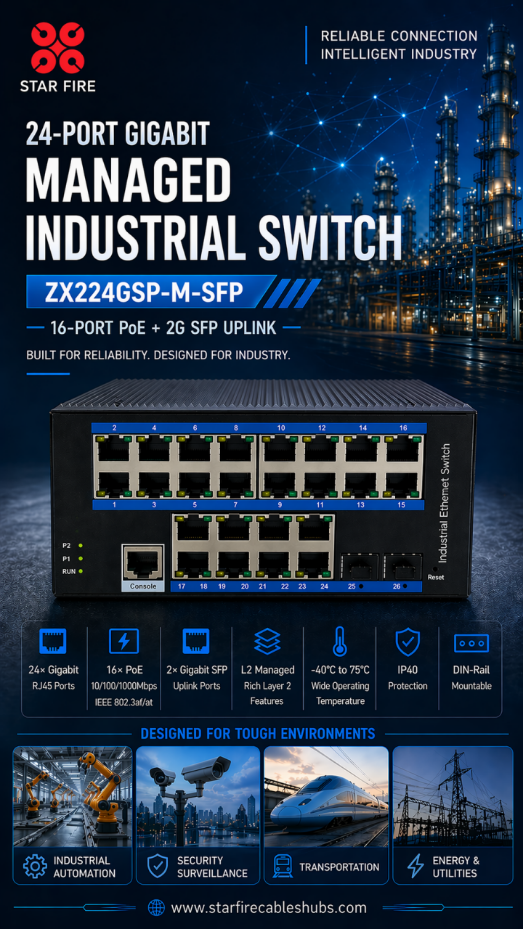
A switch may have enough Ethernet ports but not enough usable PoE capacity. For PTZ cameras, touch panels, wireless access points, intercoms, and AV endpoints, check both PoE capability per port and total switch PoE budget.
A 24-port PoE switch does not automatically mean 24 devices can operate at their maximum PoE class simultaneously. In many Pro AV designs, “How many powered ports can I support?” matters more than the raw port count.
Managed AV networks need room for architecture
In AV over IP, port planning also interacts with network control. Managed switches may need VLANs, IGMP snooping and an IGMP querier for multicast management, QoS for time-sensitive traffic, link aggregation, monitoring, and redundancy.
Dante guidance recommends IGMP in networks with significant multicast or mixed IP video traffic and recommends disabling Energy Efficient Ethernet on ports carrying Dante traffic. The point is broader than Dante: port count should never be evaluated separately from the features required by the AV protocol.
Know when to move to the next switch size
Consider a simple example:
Current endpoints: 18
Uplinks: 2
Management/infrastructure: 1
Planned expansion: 5
Total requirement: 26 ports
A 24-port switch is already too small, even though there are only 18 endpoints today. A 48-port platform may be more rational, or the design may call for two access switches depending on physical location, redundancy, bandwidth, and failure-domain requirements.
Buying the smallest switch that works today is often not the lowest-cost decision over the life of the system.
A Better Port-Planning Checklist
Before selecting a switch for Pro AV, AV over IP, broadcast AV, control rooms, digital signage, or industrial networking, ask:
1. How many Ethernet endpoints exist today?
2. How many devices may be added in the next 2–5 years?
3. Which ports require PoE, PoE+, or PoE++?
4. What total PoE budget is required?
5. How many copper and fiber ports are needed?
6. What access-port speeds are required — 1G, 2.5G, 5G, or 10G?
7. What uplink bandwidth is required at peak traffic?
8. Are redundant networks or uplinks required?
9. Does the AV protocol require IGMP, QoS, VLANs, PTP-aware behavior, or AVB support?
10. How much spare capacity should be reserved?
The Bigger Idea: Design for Connections, Not Just Ports
In modern Pro AV, the Ethernet switch is no longer just an IT accessory. It is part of the signal path.
Port planning should therefore be treated with the same discipline as bandwidth, signal integrity, power, fiber distance, and system redundancy. The goal is not to maximize port count. The goal is to provide enough correctly specified ports, in the right locations, with the right bandwidth and power, to support the system throughout its lifecycle.
At STAR FIRE TECH, we work across Pro AV connectivity, optical fiber communication, structured cabling, and industrial communication. That cross-domain perspective matters more as professional AV becomes increasingly network-based and network decisions directly affect AV performance.
When evaluating an industrial Ethernet switch, managed PoE switch, fiber uplink architecture, or AV over IP deployment, start with the application rather than the switch specification sheet.
Count the devices. Then count everything the devices will eventually depend on.